AI business tools are software applications that use machine learning, natural language processing, and automation to handle tasks, analyze data, and support smarter decisions across your business. As of 2026, the best options combine scheduling, analytics, and customer engagement in one connected system.
Key Takeaways
- AI business tools automate routine tasks, cutting operational costs and freeing up 10 or more hours per week per employee.
- Lindy, Zapier, and Microsoft Copilot are top picks for workflow automation and AI orchestration in 2026.
- Natural language interfaces let non-technical users build complex automations without writing a single line of code.
- According to Zapier’s research, 78% of enterprises report that integrating AI into existing workflows remains a top challenge.
- Most tools offer free trials or free plans, so you can validate ROI before committing to a paid plan.
- Security certifications like SOC 2 Type II and GDPR compliance are non-negotiable for businesses handling sensitive data.
What Are AI Business Tools?

Definition and Scope
AI business tools are purpose-built software platforms that apply artificial intelligence to real operational problems: lead enrichment, customer support triage, inventory forecasting, meeting summarization, and more. Unlike generic AI assistants, these tools integrate directly with existing systems like CRMs, email platforms, and cloud data warehouses. They use machine learning, natural language processing, and robotic process automation to streamline work across every department, from sales to finance to customer service.
Key Capabilities of Modern AI Business Tools
Today’s platforms go well beyond simple automation. They offer real-time data enrichment, anomaly detection in financial transactions, and autonomous decision-making for routine tasks. ThoughtSpot, for example, lets users query business data in plain English and receive interactive visualizations instantly. Lindy acts as a 24/7 AI assistant that handles phone calls, schedules meetings, and manages email correspondence across multiple languages. The best tools learn from user behavior over time, reducing the need for manual updates and custom coding.
Top AI Business Tools in 2026
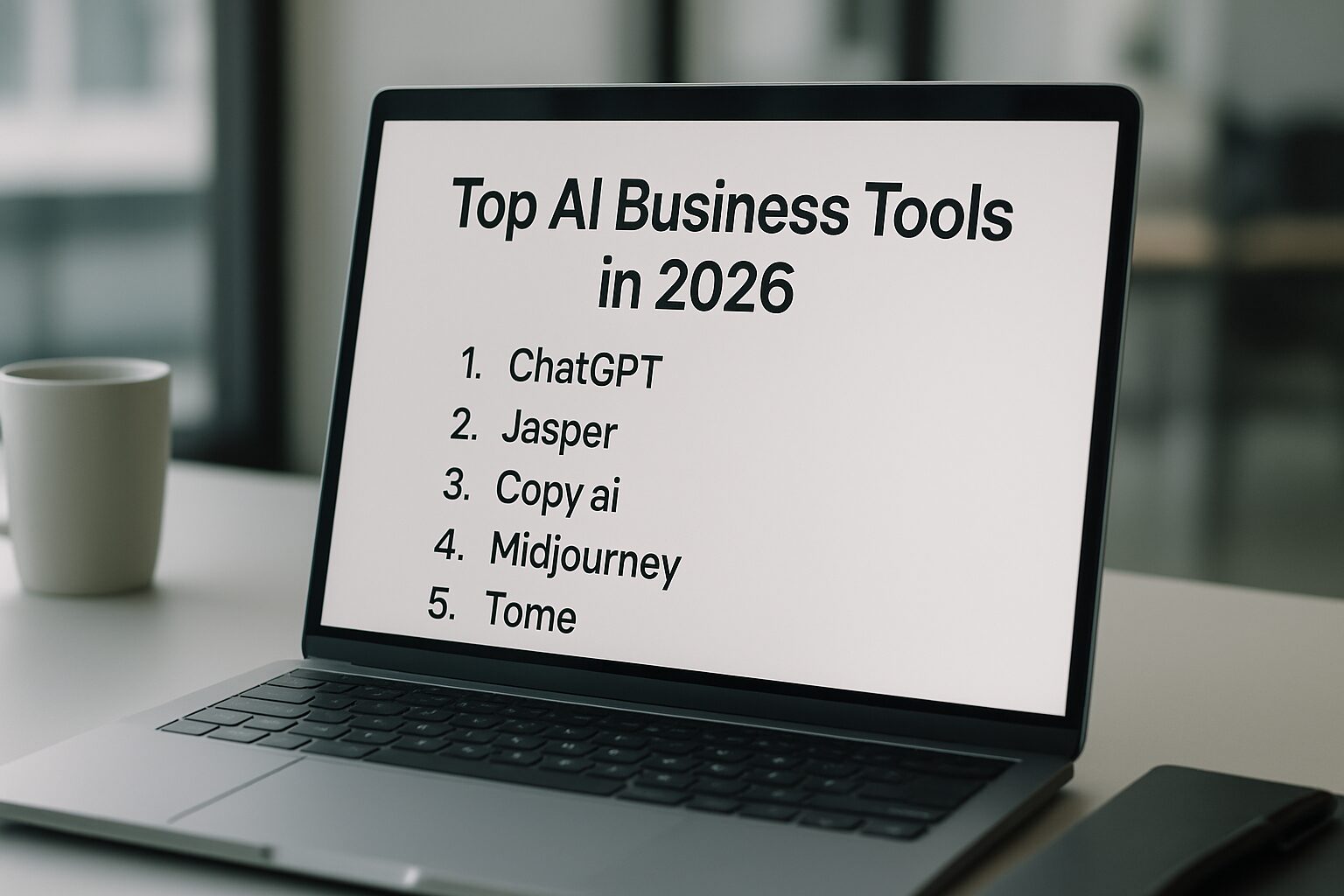
After testing and reviewing dozens of platforms, we identified five tools that consistently deliver measurable ROI for operations, sales, and customer engagement. Each excels in a distinct area, from autonomous task execution to deep data analytics.
| Tool | Category | Key Feature | Pricing | Free Trial |
|---|---|---|---|---|
| Lindy | AI Assistant & Workflow Automation | Natural-language task automation across email, calls, and CRMs | $49.99/month | 7 days |
| ThoughtSpot | Business Analytics | AI-powered natural language search and anomaly detection | $25/user/month (billed yearly) | None |
| Zapier | Workflow Orchestration | Connect 9,000+ apps with AI-powered automations and agents | Free plan available; paid plans available | 14 days |
| Microsoft Copilot | Productivity Automation | Embedded AI across Office 365 apps for document creation, email drafting, and meeting summaries | Included with Microsoft 365 subscriptions | Available with subscription |
| Tidio | Customer Engagement Chatbot | Real-time AI chatbot with multilingual support and CRM integration | Custom pricing | None |
Lindy: Best for All-in-One Task Automation
Lindy positions itself as the smart AI teammate that handles complex business operations without code. Users describe workflows in plain English, and Lindy executes actions across Gmail, Slack, Salesforce, and even industry-specific platforms like electronic medical records systems. Its multi-model architecture selects between ChatGPT, Gemini, and Claude on a per-task basis, ensuring the right model handles each job. A 7-day free trial and a $49.99/month starting price make it accessible for small-to-medium businesses. One SaaS founder reported that Lindy scaled outbound sales calls without hiring an additional sales development rep, showing how the right tool can replace entire roles.
“The best AI implementations we see aren’t the most complex ones. They’re the ones that solve a specific, painful problem and do it reliably every single day.” – DigiMe Advisory Team, based on client implementation reviews
Zapier: Best for Workflow Orchestration and Integration
Zapier remains the connective tissue for businesses that need to bridge disjointed apps. With over 9,000 integrations, it allows non-developers to build multi-step automations triggered by real-time events. Its AI Copilot creates entire workflows from natural language descriptions, and Zapier Agents can autonomously draft emails, prepare reports, and update records across platforms. A 14-day free trial and a robust free plan lower the barrier to entry considerably. For companies looking to unify their tech stack without custom engineering, Zapier is often the first tool we recommend.
ThoughtSpot: Best for AI-Driven Analytics
ThoughtSpot brings consumer-grade search to enterprise data. Its AI assistant, Spotter, answers questions like “what happened,” “why it happened,” and “what might happen next” using natural language queries. Liveboards replace static dashboards, and automated anomaly detection surfaces insights before they become problems. Priced at $25/user/month billed yearly, ThoughtSpot targets analysts and executives who need rapid, self-service analytics. Industry benchmarks suggest this class of tool can reduce time spent on manual reporting by a significant margin, freeing analysts for higher-value strategic work.
Pros and Cons of AI Business Tools
Pros
- Time savings at scale: Automating repetitive tasks like invoice processing, lead routing, and scheduling can free up 10 or more hours per week per employee, according to small business productivity research.
- Lower operational costs: Reducing manual labor on routine tasks cuts overhead without reducing output quality.
- Faster decision-making: Real-time analytics platforms like ThoughtSpot compress insight timelines from days to minutes.
- Accessible to non-technical teams: Natural language interfaces mean your front desk, sales team, or office manager can build automations without IT support.
- Scalable pricing: Most tools start at $0 to $50/month, making them viable for businesses of any size.
Cons
- Integration complexity: Connecting AI tools to legacy systems can require significant setup time, especially in healthcare or finance environments.
- Learning curve: Even no-code platforms require a few weeks of experimentation before teams use them confidently.
- Data privacy risks: Feeding sensitive business data into third-party AI models requires careful vendor vetting and clear data processing agreements.
- Over-automation risk: Automating the wrong processes first wastes time and budget. A clear prioritization framework is essential before you start.
Selecting the Best AI Solution for Your Operations

Assessing Business Needs and Pain Points
Before evaluating any platform, map your current operational bottlenecks. Is your team overwhelmed by repetitive data entry? Do you lose leads because follow-ups are delayed? Start by documenting processes that consume more than 10 hours per week collectively. This exercise ensures you invest in AI that solves tangible problems rather than chasing novelty. An e-commerce business might prioritize an AI chatbot for after-hours customer queries, while a consulting firm might focus on meeting summarization and action-item tracking.
Comparing Features, Scalability, and Support
Not all AI business tools scale equally. A tool that works for a 5-person startup may struggle under enterprise loads. Evaluate whether the platform supports role-based access controls, audit logs, and API rate limits. Check if the vendor offers dedicated onboarding support, which is critical during the first 90 days. Scalability also includes model flexibility: does the tool let you swap between AI models the way Lindy does with ChatGPT, Gemini, and Claude, or are you locked into one engine? The ability to select models can future-proof your investment as the AI landscape shifts.
Evaluating Vendor Reliability and Security
Security certifications such as SOC 2 Type II, ISO 27001, and GDPR compliance should be non-negotiable for any business handling sensitive data. Request penetration test summaries and ask about data residency options. Reputable vendors publish transparent trust center pages and offer data processing agreements. This step is especially important if you operate in finance, healthcare, or legal sectors where regulations like HIPAA and GLBA apply directly to how AI processes client information.
Step-by-Step Guide to Implementing AI Business Tools
Step 1: Identify Repetitive Tasks for Automation
Begin by auditing daily workflows across departments. List every task that follows a predictable rule set: invoice processing, lead routing, scheduling, and customer status update emails. Categorize them by frequency and human hours spent. According to Zapier’s research, 78% of enterprises report that integrating AI into existing workflows remains a top challenge, largely because they try to automate everything at once. Instead, pick the top three tasks that, if automated, would immediately free up 15 to 20 hours per week for your team.
Step 2: Choose a Scalable AI Orchestration Platform
Once priorities are set, select an orchestration layer. Platforms like Zapier or Lindy let you connect multiple apps and embed AI decision points without writing code. Start with a single, end-to-end workflow, such as “new lead captured in CRM, AI enriches contact data, drafted email sent to sales rep for approval.” Deploy it in a controlled environment and measure accuracy and time saved over a two-week period. Tools that offer built-in analytics dashboards make it easy to track performance metrics like task completion rate and error reduction.
Step 3: Pilot, Measure ROI, and Scale
Roll out the automated workflow to a small team or department first. Define clear KPIs: reduction in manual hours, increase in lead response speed, or decrease in data entry errors. After a 30-day pilot, calculate hard dollar savings. If Lindy handles 200 customer support tickets weekly that previously required 20 staff hours, at an average labor cost of $30/hour, that’s $600 per week saved. Use these results to build a business case for wider adoption. Most successful implementations start narrow and expand to 5 to 10 more use cases within the first quarter.
Cost vs. Benefits: Measuring ROI of AI Business Tools
Direct Savings: Reduced Staff Time and Errors
The most immediate impact is the elimination of manual, repetitive work. When tools like Microsoft Copilot summarize meetings and draft follow-up emails automatically, professionals reclaim 5 to 8 hours per week. In customer service, an AI chatbot like Tidio can handle a significant share of routine inquiries without human intervention, reducing support costs meaningfully. Even at the conservative end, a single automation saving 10 hours per week at a blended rate of $35/hour yields over $18,000 in annual savings.
Indirect Gains: Faster Decision-Making and Revenue Growth
Beyond payroll, these tools accelerate revenue cycles. Real-time data enrichment tools like Clay help sales teams arrive at calls better prepared, shortening deal cycles. AI analytics platforms reduce the lead time for business insights from days to minutes, enabling faster strategic pivots. These gains compound over time. Research from McKinsey, frequently cited across the industry, suggests that companies fully applying AI see profit margins meaningfully higher than peers who rely on manual processes.
Calculating Payback Period for AI Investments
A straightforward formula: Payback Period = (Total Initial Cost) divided by (Monthly Savings plus Monthly Revenue Uplift). For a tool costing $100/user/month with 10 users, the monthly cost is $1,000. If the tool saves 50 hours of work monthly valued at $35/hour and generates an additional $2,000 in sales, the monthly benefit is $3,750. Payback occurs in under 9 days. This math often surprises business owners who view AI as a cost center rather than a profit driver.
“According to small business marketing research, businesses that automate their top three manual workflows in the first 90 days are significantly more likely to expand AI adoption company-wide within a year.” – DigiMe Team, based on client implementation data
Security and Compliance in Enterprise AI
Data Privacy Regulations (GDPR, CCPA)
Data privacy cannot be an afterthought. GDPR in Europe and CCPA in California impose strict rules on how personal data is collected, stored, and processed by AI models. Ensure your chosen tool provides data anonymization features and allows you to delete user data upon request. Tools hosted in the EU or certified under the EU-U.S. Data Privacy Framework offer additional compliance safeguards. Avoid solutions that train models on your proprietary data unless you have an explicit opt-out and data isolation agreement in writing.
Vendor Security Certifications and Audits
Look for SOC 2 Type II reports, ISO 27001 certification, and regular third-party penetration testing. Reputable vendors publish trust center pages detailing their security posture. Enterprise-grade platforms typically support single sign-on via Okta or Azure Active Directory and provide activity logs for every AI-driven action. Before signing a contract, request a vendor security questionnaire and confirm that data encryption is applied both in transit and at rest using AES-256 or equivalent standards.
Building Internal AI Governance Policies
Equally important is establishing internal guidelines for how teams use these tools. Define which data sets can be fed into AI models, set approval workflows for AI-generated content, and mandate human review for high-stakes decisions. Policy frameworks should align with standards like NIST AI 100-1 and the OECD AI Principles. Regular audits of AI outputs catch biases and inaccuracies before they affect customers. Companies that proactively govern AI use avoid regulatory fines and build trust with the people they serve.
AI Tools Worth Watching: Emerging Categories
The five tools above cover the core use cases most local service businesses face. But the broader landscape is expanding fast, and a few emerging categories are worth knowing about as you plan your AI roadmap for 2026 and beyond.
AI for Meetings and Action Items
Tools like Fireflies.ai and Spinach AI automatically transcribe meetings, extract action items, and push tasks to project management tools like Asana or Jira. For service businesses running multiple client calls per day, this alone can save 3 to 5 hours of manual note-taking per week. The transcripts also create a searchable record of every client conversation, which is useful for compliance and quality review.
AI for Social Media Management
Platforms like FeedHive and Buffer now include AI writing assistants that generate post variations, predict optimal posting times, and repurpose long-form content into short social clips. For dental practices, MedSpas, and HVAC companies trying to maintain a consistent social presence without a dedicated marketing team, these tools can reduce content production time by several hours per week. Most plans start under $20/month, making them accessible for businesses at any stage. You can learn more about how social media fits into a broader local marketing strategy on our DigiMe blog.
AI Video Creation and Editing
Tools like Runway and Descript bring professional-grade video editing to non-editors. Descript lets you edit video by editing the transcript text, which is a significant shift from traditional timeline editing. For businesses producing patient testimonials, service explainers, or social video content, these tools can cut production time from hours to minutes. Runway adds generative video capabilities for more creative marketing applications.
If you’re exploring how AI fits into your broader digital marketing strategy, our guide on AI-powered marketing for local businesses covers the full picture, including how tools like these connect to lead generation and patient acquisition systems.
Frequently Asked Questions
What are the best free AI business tools?
Several reputable options offer generous free tiers. Zapier’s free plan connects up to 5 apps with basic automations. Google Workspace’s Gemini provides limited AI features in Gmail and Docs at no extra cost. Microsoft Power BI’s free version includes basic AI visuals for data analysis. These free options let businesses test core functionality and build confidence before committing to paid plans.
How can small businesses use AI tools effectively?
Small businesses benefit most by focusing on repetitive, high-volume tasks: automating invoice reminders, scheduling social media posts, or sorting customer emails by priority. Start with one or two workflows using a platform like Zapier or Lindy, and use built-in templates to model best practices. Measure time saved after 30 days, then reinvest those hours into growth activities. Even a tool costing $49.99/month can deliver a strong return when applied to the right problem.
Which AI business tool is best for customer service?
For customer engagement, Tidio and Lindy are both strong choices. Tidio offers a customizable chatbot that resolves common questions around the clock and routes complex issues to human agents. Lindy’s AI Assistant can answer phone calls, extract intent, and book appointments directly into a calendar. Both tools integrate with popular CRMs, ensuring your team always has a complete view of each customer interaction.
Are AI business tools secure for handling sensitive data?
Enterprise-grade platforms implement rigorous security measures including end-to-end encryption, SOC 2 Type II compliance, and role-based access controls. Before deployment, verify that the vendor offers data residency options and signs a data processing agreement. For regulated sectors like healthcare or finance, confirm HIPAA or PCI DSS compliance. Always maintain human oversight on critical decisions generated by AI to reduce the risk of bias or error.
How much do AI business tools cost?
Pricing varies widely by category and scale. Simple automation tools like Zapier start with a free plan, with paid tiers available for more complex workflows. Comprehensive AI assistants like Lindy begin at $49.99/month, while advanced analytics platforms like ThoughtSpot cost $25/user/month billed yearly. Enterprise solutions typically require custom pricing that scales with usage and user count. Most vendors offer free trials, so you can validate ROI before scaling up.
What is the future of AI in business operations?
The next generation of these tools will feature fully autonomous agents that not only execute tasks but also proactively identify process improvements. Multi-modal models will handle voice, video, and documents simultaneously, and AI will become embedded in every ERP and CRM platform. Companies that build a flexible AI orchestration layer today will be best positioned to adopt emerging capabilities without overhauling their tech stacks when those capabilities arrive.
Ready to see what the right AI setup looks like for your specific business? Book a free demo at digimeapp.com to see how AI can transform your practice, whether you run a dental office, MedSpa, HVAC company, or any other local service business.