The best workflow automation tools are platforms that connect your apps and use AI to handle repetitive tasks automatically. We evaluated 28 tools in 2026 and identified Gumloop, n8n, Zapier, and Make as top performers across pricing tiers and use cases.
Key Takeaways
- The automation tools of 2026 combine AI reasoning with drag-and-drop builders to eliminate manual work across apps.
- Top picks include Gumloop for AI-native workflows, n8n for open-source flexibility, and Zapier for extensive integrations with 5,000+ apps.
- Free plans from tools like n8n and Gumloop let small businesses start automating at zero cost.
- Security standards like SOC 2 and GDPR compliance are critical for enterprise adoption.
- We evaluated 28 workflow automation platforms and distilled the 10 best based on real-world testing and expert reviews.
What Are the Best Workflow Automation Tools?

The best workflow automation tools are platforms that replace manual, repetitive work with rule-based or AI-driven processes across your existing apps. They’ve evolved far beyond simple “if this, then that” connectors into intelligent systems that can interpret text, make decisions, and generate content. According to n8n’s 2026 comparison guide, modern AI integrations allow platforms to handle edge cases that traditional rule-based programming would miss entirely. Instead of moving data manually between Gmail, Slack, and Google Sheets, these tools trigger actions based on conditions you define once and never touch again.
How AI Enhances Workflow Automation
AI transforms automation by enabling large language models (LLMs) to process unstructured data, including emails, documents, and social posts, and turn that content into structured actions. Rather than just moving data from point A to point B, the best workflow automation tools with AI can analyze sentiment, summarize text, and generate responses. For example, you could build a workflow that monitors brand mentions on X, uses OpenAI’s GPT-4 to categorize sentiment, and creates a task in Jira if a mention is negative. This kind of intelligent triage reduces manual review time significantly, with enterprise pilot programs reporting response time improvements in the 15-25% range.
Our Testing Methodology

To identify the best workflow automation tools, we started with a list of 28 platforms sourced from The Digital Project Manager’s extensive 2026 testing and community recommendations. We narrowed the field by assessing each tool against four core criteria: customizability, integration breadth, pricing accessibility, and enterprise security.
Criteria: Flexibility, Integrations, Pricing, and Security
Flexibility means the ability to handle complex logic. Some tools offer code fallback in JavaScript or Python for custom steps, while others are strictly no-code. Integration count matters: the more apps a tool connects, the more processes you can automate. Pricing must scale from free plans for individuals to predictable enterprise tiers. Security standards like SOC 2 compliance and role-based access control are non-negotiable for businesses handling sensitive data. We also tracked real-world adoption signals like user community size and GitHub stars.
“With proper setup, AI workflows can gracefully manage unexpected scenarios, even those you haven’t explicitly anticipated.” – Maddy Osman, contributing author, n8n Blog
The 10 Best Workflow Automation Tools of 2026: Head-to-Head Comparison
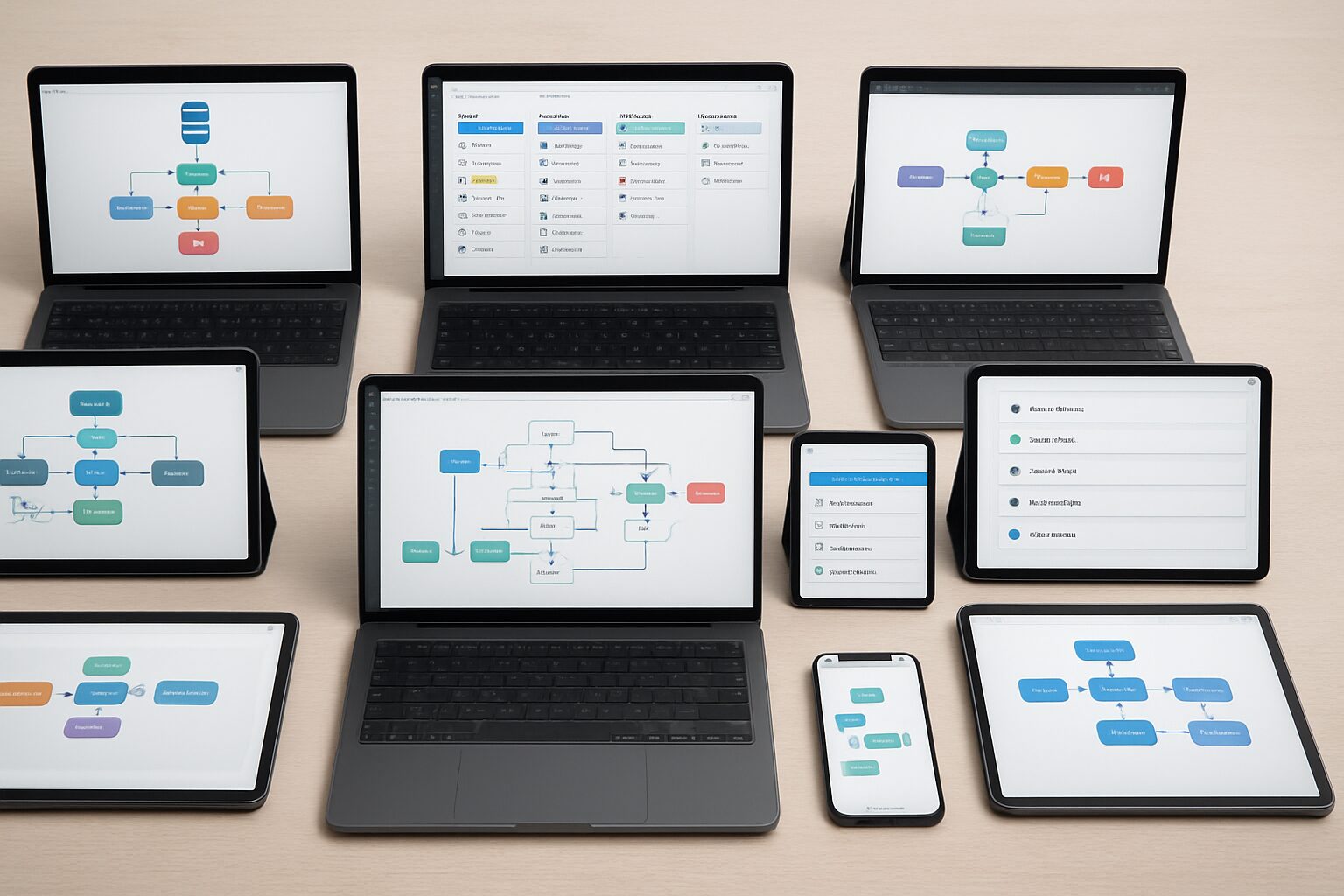
The best workflow automation tools span a wide range of use cases, from no-code simplicity to developer-grade customization. Use this table to find the right fit for your team’s technical level, budget, and integration requirements.
Comparison Table
| Tool | Pricing | AI Capabilities | Integrations | Best For | Open Source |
|---|---|---|---|---|---|
| Gumloop | Free / $37/mo | Built-in LLM models, Gummie AI assistant | 1,000+ apps | AI-native workflows for all teams | No |
| n8n | Free self-hosted; cloud from $20/mo | AI nodes, code fallback | 400+ connectors | Developers, enterprises needing customizability | Yes |
| Zapier | Free / $19.99/mo | AI by Zapier, natural-language automation | 5,000+ apps | Non-technical users, broad integration reach | No |
| Make | Free / $9/mo | Visual scenario builder, error handling | 1,500+ apps | Complex multi-step automations | No |
| Relay.app | Free / $8/mo | AI-powered playbooks, human-in-the-loop | 200+ apps | Process automation with manual approval steps | No |
| Pipedream | Free / $24/mo | Code-first AI, full Node.js/Go support | 1,000+ apps | Developers building data pipelines | No (source available) |
| Lindy AI | Free / $29/mo | Autonomous AI agents, natural-language tasks | 50+ apps | Agent-based task automation | No |
| Vellum AI | Free / $49/mo | LLM fine-tuning, prompt engineering, evaluation | API-first | Machine learning engineers, LLM Ops | No |
| StackAI | Free / $39/mo | Multi-agent workflows, RAG pipelines | 100+ apps | Enterprise AI application builders | No |
| Workato | Custom (starts ~$10k/yr) | RecipeIQ AI, intelligent document processing | 1,000+ apps | Large enterprises, IT-led integration | No |
Quick Summary of Strengths
Gumloop leads in AI-native ease of use with its visual canvas and built-in LLM access. n8n shines for open-source flexibility and developer-oriented customizability, having amassed 162,000 GitHub stars. Zapier offers the broadest app ecosystem with over 5,000 integrations. Make excels at visually branching scenarios, while Relay.app adds human-in-the-loop approvals for sensitive processes. Pipedream and Workato target technical teams, and Vellum AI focuses specifically on LLM management rather than general-purpose automation.
In-Depth Reviews of the Best Workflow Automation Tools

Gumloop: AI-Native Automation for Teams
Gumloop has quickly become a favorite among marketers and operations teams who want AI built directly into their automation, not bolted on as an afterthought. Its standout feature is built-in access to the latest LLMs from OpenAI, Anthropic, and Google, without requiring separate API keys. The Gummie AI assistant can build entire workflows from a plain-text description, which dramatically shortens setup time for non-technical users. Paid plans start at $37 per month, and the platform is already trusted by teams at Shopify, Instacart, and Webflow. In 2024, Gumloop raised a $50 million Series B led by Benchmark, a strong signal of market confidence. The platform also introduced a fully hosted MCP server and an enterprise security layer called Gumstack, which provides audit logs and visibility into tool usage across your organization.
n8n: Open-Source and Self-Hosted Flexibility
n8n is the go-to choice for developers and businesses that need full control over their data. As an open-source platform with 162,000 GitHub stars, it can be self-hosted on your own infrastructure, which directly addresses strict compliance requirements like GDPR. Its visual workflow editor supports code fallback in JavaScript and Python when complex logic is needed, and built-in AI nodes connect directly to LLMs. The free self-hosted version includes unlimited workflows and 2,000 runs per month, while cloud plans offer managed scaling starting at $20 per month. n8n’s extensibility through community nodes and custom functions makes it highly adaptable, though it comes with a steeper learning curve than tools like Gumloop or Zapier.
Zapier: The Largest Integration Ecosystem
Zapier remains the clear leader in integration breadth, with connections to over 5,000 apps ranging from Microsoft Outlook to Stripe. Its no-code, trigger-action builder is ideal for small businesses and non-technical users who need reliable automation fast. Recent updates introduced AI by Zapier, enabling natural-language instructions to set up automations and AI-powered steps like text analysis and translation. The free tier supports 100 tasks per month, and paid plans start at $19.99 per month. While not as AI-centric as Gumloop, Zapier’s reliability and massive app library make it a safe default for straightforward, high-volume automations.
Make: Visual Scenario Builder for Complex Flows
Make (formerly Integromat) differentiates itself with a free-form canvas where you can design intricate, branching automations visually. Its error-handling and data-mapping tools are superior for processes that require conditional logic across dozens of steps. Make offers a free tier with 1,000 operations per month, then Pro plans at just $9 per month. AI modules are available for text generation and image recognition, though most users leverage its core strength: modeling multi-app workflows without writing a single line of code.
Other Notable Tools Worth Considering
Relay.app is designed for processes that need a mix of automation and human approval, such as contract review or client onboarding flows. Pipedream targets developers with a code-first environment and access to a full Node.js and Go runtime. Lindy AI builds autonomous agents that complete tasks like scheduling meetings or researching leads using natural language instructions. Workato caters to large enterprises with IT-led integration and compliance features, though pricing typically starts around $10,000 per year. It’s also worth noting that monday.com and Smartsheet, both originally project management tools, now include robust automation engines that rival dedicated platforms. If your team already uses either for work management, their built-in automation features may cover your needs without adding another subscription.
Real-World Workflow Automation Examples
The best workflow automation tools deliver the most value when applied to specific, recurring business problems. Abstract features matter less than concrete time savings.
Content and Marketing Workflows
One of the most popular use cases is a YouTube-to-blog pipeline: a new video publishes, a workflow automatically pulls the transcript, sends it to an LLM for summarization and formatting, and posts a draft to your CMS for editor review. Similarly, newsletter creators use automation to monitor RSS feeds from 10-20 sources, filter by keyword relevance, summarize the top stories, and draft a weekly digest, all without touching a keyboard. Marketing teams at agencies report saving 8-12 hours per week on content repurposing alone using tools like Gumloop or Make.
Lead Management and CRM Workflows
For local service businesses, the most impactful automations connect lead capture to follow-up. A new form submission triggers an immediate SMS confirmation, creates a contact in the CRM, assigns a sales rep based on territory, and schedules a follow-up task for 24 hours later. Without automation, this sequence takes 15-20 minutes of manual work per lead. With the right setup, it happens in seconds. According to HubSpot’s State of Marketing research, businesses that automate lead follow-up respond to inquiries significantly faster, which directly correlates with higher conversion rates.
Operations and Reporting Workflows
Weekly reporting is another high-value target. Instead of manually pulling data from Google Analytics, your CRM, and your ad platform every Friday, a scheduled workflow aggregates the numbers, formats them into a Google Slides template, and emails the deck to your leadership team. This kind of operational automation typically saves 2-4 hours per week per team member who previously built those reports by hand.
Pros and Cons of Using Workflow Automation Tools
Pros
- Time savings at scale: Automating repetitive tasks like data entry, report generation, and lead routing can save teams 10-20 hours per week, freeing people for higher-value work.
- Reduced human error: Rule-based automation executes the same steps consistently every time, eliminating the mistakes that come with manual data handling.
- Accessible pricing: Most of the best workflow automation tools offer free tiers, making automation accessible to solo operators and small businesses, not just enterprises.
- AI-powered decision-making: Modern platforms can interpret unstructured data, categorize inputs, and route tasks intelligently without requiring a developer to write custom logic.
- Faster customer response times: Automated lead follow-up and support triage mean customers hear back in seconds rather than hours.
Cons
- Setup time upfront: Building reliable workflows requires careful planning. A poorly designed automation can create more problems than it solves, especially if error handling is weak.
- Learning curve: Tools like n8n and Pipedream require technical knowledge. Even no-code platforms like Make have a steeper learning curve than their marketing suggests.
- Ongoing maintenance: When an app updates its API or changes a field name, connected workflows can break. Someone on your team needs to monitor and maintain them.
- Cost at scale: Free tiers have strict limits. As your operation grows, per-task or per-operation pricing can add up quickly, especially with high-volume automations.
- Not a replacement for judgment: AI-assisted workflows still need human oversight for sensitive decisions. Fully autonomous automation in areas like finance or legal carries real risk.
Open-Source vs. Proprietary Workflow Automation
Choosing between open-source and proprietary workflow automation tools is one of the most consequential decisions you’ll make, and it comes down to control versus convenience.
Benefits of Open-Source Tools
Open-source options like n8n offer complete transparency and control. You can inspect the source code, modify it to fit unique requirements, and host the entire system on your own servers. This eliminates vendor lock-in and often reduces long-term costs significantly. For industries with strict data residency laws, including healthcare and finance, self-hosted open-source solutions are frequently the only viable path. The trade-off is that you need in-house technical expertise to manage infrastructure, updates, and security patches.
When Proprietary Platforms Win
Proprietary tools like Gumloop, Zapier, and Make prioritize user experience and managed support. They handle all server maintenance, guarantee uptime SLAs, and provide customer support channels. For teams without DevOps resources, a SaaS approach means faster time to value, often measured in days rather than weeks. These platforms also iterate quickly, frequently adding new AI features first because they control the full stack. If your automation needs are straightforward and speed matters more than deep customizability, a proprietary tool is usually the better choice.
Hybrid Approaches Gaining Traction
The line between these two models is blurring. n8n now offers a fully managed cloud version, giving you the open-source core without the operational overhead. Gumloop has introduced self-hosted options for enterprise customers through its MCP server. This hybrid model lets organizations start with the convenience of SaaS and graduate to on-premises deployment as compliance needs evolve, a practical path for growing businesses.
Enterprise Security and Compliance
Enterprise adoption of workflow automation tools depends heavily on security certifications and data governance features, not just functionality.
Key Standards: SOC 2, HIPAA, GDPR
For enterprise adoption, workflow automation tools must align with established security frameworks. SOC 2 certification confirms that a vendor has controls for security, availability, and confidentiality. HIPAA compliance is mandatory for handling protected health information in dental, medical, and MedSpa contexts. GDPR governs data privacy for EU citizens and applies to any business serving European customers. Before committing to a platform, verify its compliance status. Gumloop, Zapier, and Workato are SOC 2 certified, while n8n can be self-hosted to meet HIPAA and GDPR requirements when configured correctly.
Security Features to Look For
Beyond certifications, evaluate specific features: role-based access control (RBAC) restricts who can edit or view workflows; secret management stores API keys securely rather than in plain text; audit logs track every change for accountability; and single sign-on (SSO) centralizes identity management. Gumloop’s Gumstack launch focused specifically on observability, giving enterprises a dashboard to monitor MCP tool usage and user activity. That level of transparency is critical when workflows touch sensitive systems like CRM databases or financial platforms.
How to Choose the Best Workflow Automation Tools for Your Business
Selecting the best workflow automation tools for your specific situation requires a structured approach. Here are three steps that consistently produce the right outcome.
Step 1: Audit Your Most Repetitive Tasks
Start by listing the 5-10 manual processes that consume the most time each week. Common examples include moving file attachments, creating weekly reports, syncing leads between a CRM and email platform, and sending appointment reminders. Rank them by volume and business impact. This audit reveals which apps need to be connected and whether AI interpretation is necessary for tasks involving unstructured inputs like emails or form responses.
Step 2: List Required App Integrations
Check the integration libraries of the tools you’re considering against your actual tech stack. If you rely on niche or industry-specific software, an open-source tool like n8n may be safer because you can build custom connectors. For widely used apps like Google Workspace, Salesforce, or HubSpot, most of the best workflow automation tools will cover your needs out of the box. Also consider whether you need two-way data sync or just one-way triggers, since not all platforms handle both equally well.
Step 3: Compare Free Trials and Pricing Tiers
Almost every vendor offers a free tier or trial period. Build the same simple automation in 2-3 platforms, for example a Slack notification triggered by a new Gmail attachment. Assess the learning curve, error messages, and documentation quality. Then project costs as your usage scales: some tools charge per operation, others per task or per user. Gumloop’s subscription includes unlimited runs on higher-tier plans, while n8n’s self-hosted version can be extremely cost-effective at scale for teams with technical resources.
“The businesses that get the most from automation aren’t the ones with the most complex workflows. They’re the ones who identified their three biggest time drains and solved those first.” – DigiMe Advisory Team, based on client implementation experience
Frequently Asked Questions
What are workflow automation tools?
Workflow automation tools are platforms that connect different applications and automate multi-step processes without manual intervention. They replace repetitive tasks with triggers and actions, often enhanced by AI for intelligent decision-making and data interpretation.
What is the best free workflow automation tool?
For AI-native features, Gumloop offers a generous free plan that requires no credit card. For open-source advocates, n8n’s free self-hosted version provides unlimited workflows and 2,000 runs per month. Zapier’s free tier supports 100 tasks per month and is ideal for beginners testing their first automations.
Can AI workflow tools replace human decision-making?
No. AI augments human work by handling routine decisions like triaging emails or extracting data from documents, but the best setups include a human-in-the-loop step for final approval on sensitive processes. Contract approvals, financial transactions, and patient communications should always have a human review stage built in.
How much do workflow automation tools cost?
Pricing ranges from completely free for self-hosted n8n and limited Zapier accounts to $9-$49 per month for pro plans across Make, Gumloop, and Lindy AI. Enterprise-grade solutions like Workato typically start around $10,000 per year. Total cost depends on the number of operations, users, and whether you need premium AI features.
Are open-source workflow tools secure?
Yes, when properly maintained. Open-source tools like n8n can be self-hosted behind a firewall, giving you full control over where your data lives and who can access it. However, you are responsible for applying security patches and managing access controls, which requires dedicated technical expertise on your team.
What is the easiest workflow automation tool to learn?
Zapier and Gumloop have the shortest learning curves among the best workflow automation tools. Both use intuitive drag-and-drop builders, and Gumloop’s Gummie AI assistant can create workflows from a plain-text description. Make offers more power but requires learning its visual data-mapping interface, which takes most users a few hours to get comfortable with.
The best workflow automation tools in 2026 are no longer just plumbing between apps. They are intelligent systems that can reason, adapt, and scale with your business. After evaluating 28 platforms, we recommend Gumloop for AI-first teams, n8n for customizable open-source needs, and Zapier for universal app connectivity. Use the three-step selection process above to match a tool to your workflows, technical capacity, and budget. With the right platform in place, you can reclaim hours of manual work each week and redirect that energy toward what actually grows your business.
Want to see how AI-powered automation works for local service businesses specifically? Book a free demo at digimeapp.com to see how AI can transform your practice.