Key Takeaways
- Email automation triggers messages based on user actions or dates, saving hours of manual work each week.
- Personalized automated emails resonate with most consumers, driving significantly higher engagement than generic broadcasts.
- Leading tools like Mailchimp, ActiveCampaign, and Brevo offer drag-and-drop automation builders for businesses of all sizes.
- Integrating AI and no-code platforms makes advanced workflows accessible even to small teams without technical expertise.
Email automation is the use of software to send emails automatically based on predefined triggers, schedules, or user behaviors without manual intervention.
How Email Automation Works
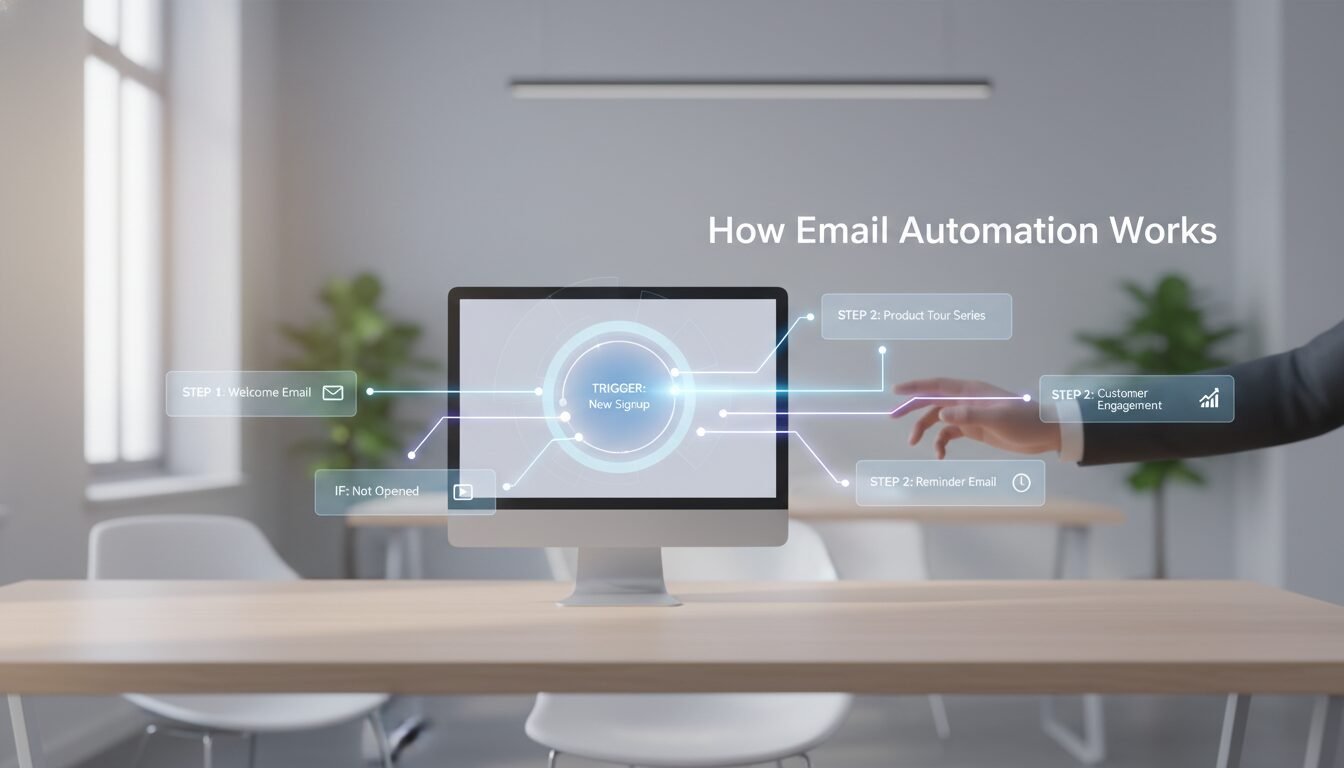
Email automation operates through a combination of triggers, actions, and conditional logic that creates personalized customer journeys. A trigger initiates the sequence, like a form submission or purchase. The system then executes actions by sending specific emails or message series. Conditions refine the flow, ensuring the right message reaches the right person at the optimal moment.
Triggers, Actions, and Conditions
Triggers form the foundation of every workflow. They can be behavioral (link clicks, page visits), transactional (completed purchases), or date-based (birthdays, subscription renewals). The action is the email itself, welcome messages, cart reminders, or re-engagement offers. Conditions act as filters, checking subscriber segments or lead scores before proceeding. This rule-based engine makes automation so effective for local businesses.
The Role of Data Integration
For seamless operation, your marketing platform must integrate with your website, CRM, or ecommerce system. Webhooks and APIs send real-time notifications when relevant events occur. According to industry data, successful automation relies on clean data integration to fuel personalized campaigns. This connection ensures accurate information drives every automated sequence.
Rule-Based Engine at the Core
Modern platforms use conditional logic trees to map complex customer journeys. You can build sequences with delays, splits, and multiple pathways, all running automatically. For example, if someone opens a product email but doesn’t click, the system waits two days before sending a follow-up with a discount. This dynamic approach replaces static email blasts with responsive, one-to-one communication.
Pros and Cons
Pros
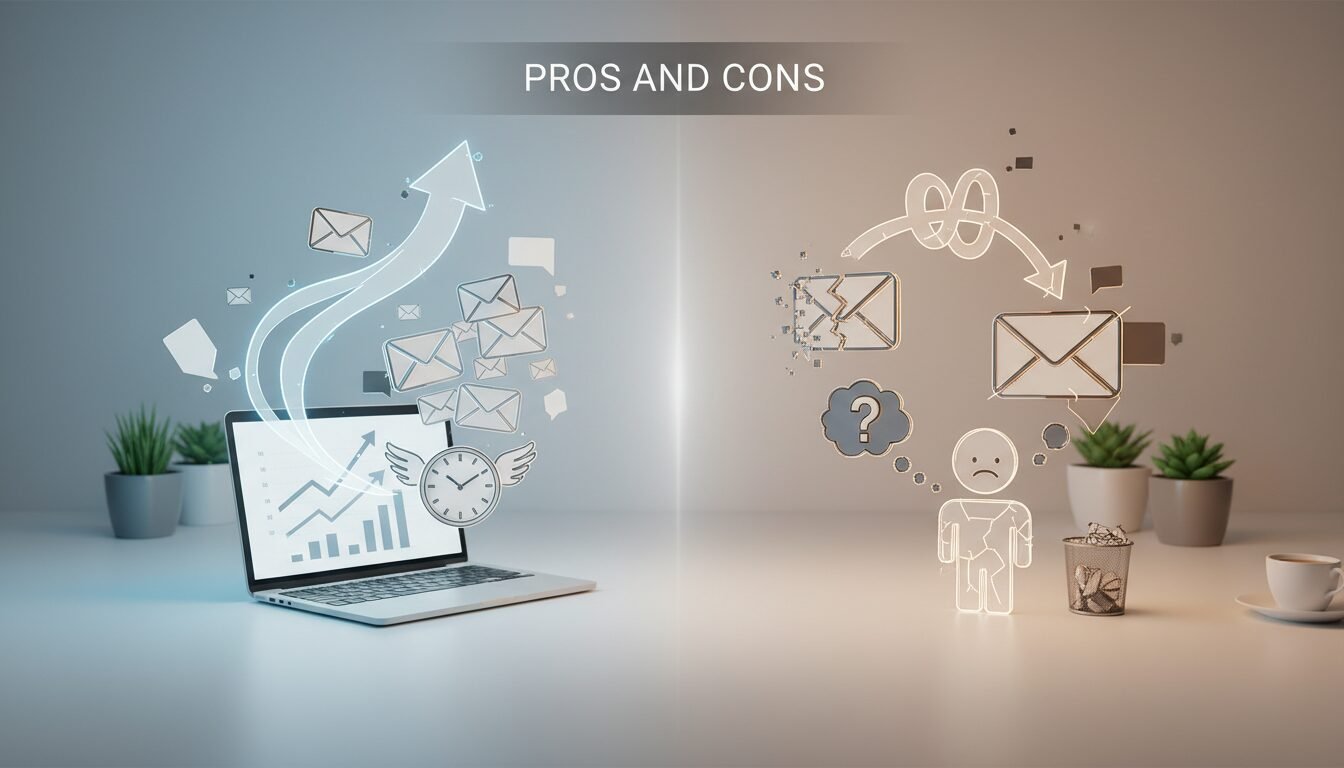
- Saves 10-15 hours per week by eliminating manual email tasks
- Delivers personalized messages at scale without constant oversight
- Captures customers at high-intent moments for better conversions
- Runs 24/7, nurturing leads even when you’re not working
- Provides detailed analytics to optimize performance over time
Cons
- Requires upfront time investment to set up workflows properly
- Can feel impersonal if not balanced with human touchpoints
- Poor data quality leads to embarrassing automation mistakes
- Over-automation may overwhelm subscribers and increase unsubscribes
The Advantages of Automating Your Emails
Adopting email automation delivers measurable benefits that extend far beyond simple inbox management. Businesses save hours of manual effort while creating more relevant experiences for their audiences.
Personalization That Drives Engagement
Personalization is one of the most compelling reasons to use email automation.
“Most consumers find personalized content appealing, and email personalization is the leading type of personalization experience that marketers use.” , Mailchimp research
Automation makes it possible to insert dynamic fields like first names, recommend products based on browsing history, or tailor content to past purchases. This level of relevance drives higher open and click-through rates compared to generic broadcasts.
Efficiency and Time Savings
Email automation eliminates the need to manually compose and send individual messages. Once you build a workflow, it runs continuously without direct involvement. A welcome series can be set up once and automatically greet every new subscriber, whether 10 or 10,000. This efficiency frees marketing teams to focus on strategy and creative work instead of repetitive tasks.
Boosting Revenue and Customer Loyalty
Timely, relevant messages convert better than generic campaigns. Abandoned cart emails sent via automation can recover lost sales; post-purchase follow-ups build loyalty and encourage repeat business. Because automated campaigns trigger based on real-time behavior, they catch customers at moments of high intent. This increases immediate revenue while strengthening long-term relationships.
Automated Email vs. Marketing Automation: Key Differences
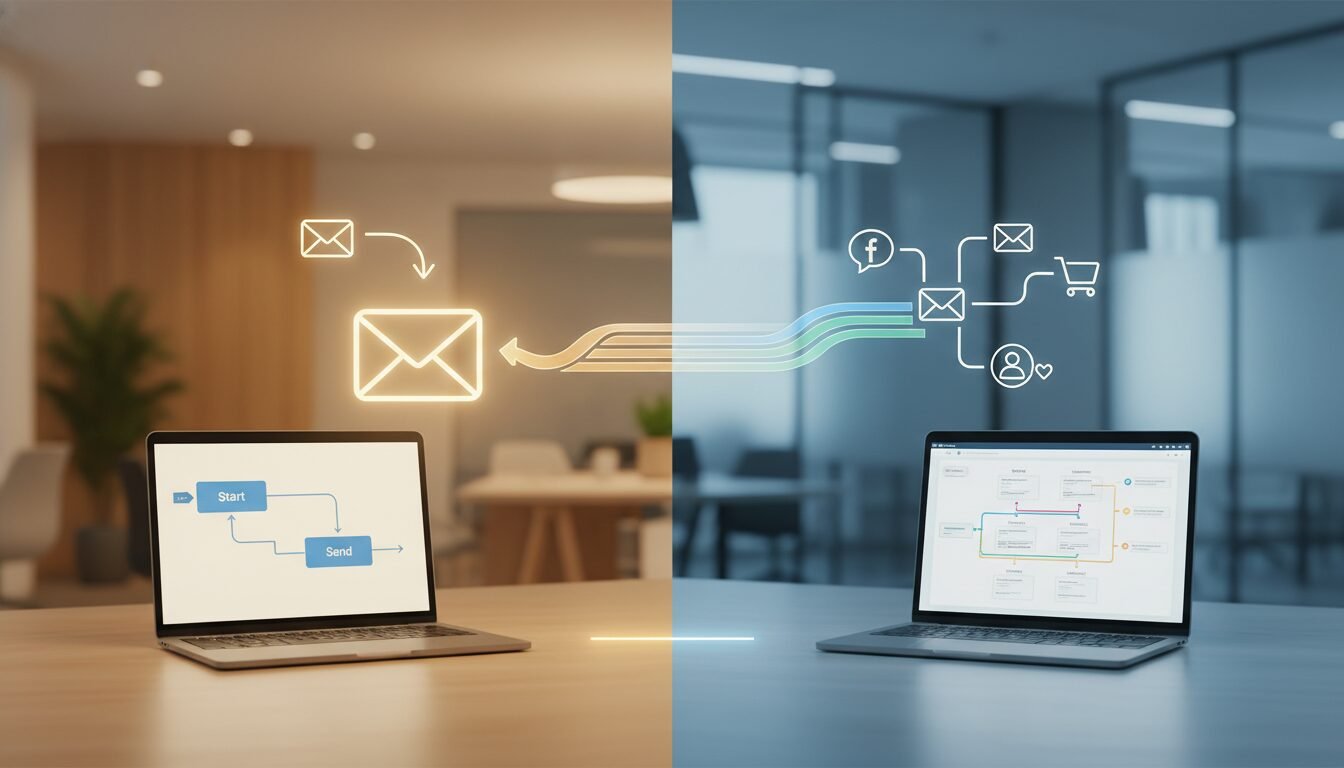 Marketing Automation: Key Differences – email automation | DigiMe” class=”wp-image-966″ loading=”lazy” width=”1792″ height=”1024″ />
Although the terms overlap, it’s essential to distinguish between general email automation and full-scale email marketing automation platforms.
What Sets Them Apart
Basic email automation can refer to any automated message handling, including personal productivity tasks like sorting incoming emails or saving attachments. Email marketing automation focuses specifically on nurturing leads and engaging subscribers at scale. The latter typically includes tools for segmentation, lead scoring, and multi-channel campaigns, while simpler automations might just send thank-you replies.
When to Use Each Approach
If your goal is streamlining internal workflows or sending one-off automatic replies, basic automation alone may suffice. For businesses looking to cultivate long-term customer relationships through newsletters, drip sequences, and behavior-triggered offers, a dedicated marketing platform is the way to go. Solutions like ActiveCampaign and Mailchimp combine both worlds, allowing teams to manage transactional and marketing emails in one place.
Types of Email Automation Workflows
The versatility of email automation makes it suitable for nearly any touchpoint along the customer journey. Below are the most common workflow categories, each built on different triggers.
Behavior-Based Triggers
Behavioral triggers respond to what a person does, or doesn’t do. Examples include opening an email, clicking a link, visiting a pricing page, or abandoning a cart. These automations react instantly, making them highly effective for re-engagement and conversion. For instance, if a subscriber visits a product page three times without purchasing, the system can automatically send a limited-time discount.
Date-Based Triggers
Date-based triggers revolve around fixed or relative dates. Birthdays, membership anniversaries, subscription renewals, and appointment reminders all fall into this category. A renewal notice sent three days before a subscription expires, or a birthday coupon that arrives on the customer’s special day, are classic examples. These workflows stay relevant by aligning with moments that matter to the individual.
Lifecycle Stage Triggers
Lifecycle automations correspond to a user’s stage in their relationship with your brand. Welcome emails for new subscribers, onboarding sequences for trial users, re-engagement campaigns for lapsed customers, and win-back offers all use lifecycle triggers. By mapping content to the customer’s maturity level, these workflows help move people smoothly from awareness to advocacy.
How to Set Up Email Automation
Building effective email automation requires a clear strategy and the right tools. Following a structured approach yields better results and reduces costly mistakes.
Choosing the Right Email Automation Tool
Start by evaluating your business needs, contact list size, and budget. Key factors include the depth of the automation builder, available triggers and integrations, AI capabilities, and deliverability safeguards. A small ecommerce store may prioritize abandoned cart workflows; a B2B firm might need advanced lead scoring and CRM sync. Look for platforms that offer free plans or trials to test features before committing.
A Step-by-Step Setup Guide
Follow these five steps to launch your first workflow:
- Define your goal: Determine what you want the automation to achieve, welcome new subscribers, recover carts, or re-engage inactive leads.
- Map the customer journey: Outline the trigger, any wait periods, conditional splits, and the email(s) to be sent. A visual flowchart helps organize the logic.
- Create the email content: Write compelling copy and design that matches your brand. Use personalization tokens and dynamic content to tailor each message.
- Configure the automation: Inside your chosen tool, set the trigger, add actions (send email, add a delay), and apply any segment filters. Test the workflow with a small user group.
- Launch and monitor: Activate the sequence and track key metrics like open rates, click rates, and conversions. Make data-driven adjustments over time.
Many platforms, including Brevo and Mailchimp, offer drag-and-drop builders that simplify this process even further.
Testing and Optimization
No workflow is perfect from day one. A/B testing subject lines, send times, and offers refines performance. Review engagement metrics weekly to spot drop-off points. If a re-engagement sequence doesn’t generate enough clicks, consider adjusting the offer or frequency. Continuous optimization ensures your workflows stay effective as audience preferences evolve.
Common Email Automation Mistakes to Avoid
Even seasoned marketers can fall into traps that undermine their automation efforts. Recognizing these pitfalls helps you build healthier, more effective campaigns.
Over-Automating and Losing the Human Touch
Automation should enhance human connection, not replace it. Bombarding subscribers with too many automated emails can feel robotic and drive unsubscribes. Balance automated campaigns with manual, heartfelt messages when appropriate. For example, a personal thank-you note from a founder can outperform a generic triggered reply.
Poor Data Management and Segmentation
Flawed data leads to embarrassing errors, like sending a “Happy Birthday” email on the wrong date or addressing a customer by the wrong name. Segments based on outdated or incomplete information result in irrelevant messaging. Regularly clean your email list, verify sign-up sources, and update preferences to maintain data quality.
“Most emails go unread, unopened, or unsubscribed from, and the culprit is rarely the channel itself. The wrong message at the wrong time is usually to blame.” , Braze team insights
Precise segmentation is critical to delivering the right message at the right time.
Ignoring Testing and Performance Metrics
Setting up automation and never reviewing its performance is a recipe for stagnation. Unmonitored workflows can quietly underperform for months, costing you revenue and subscriber goodwill. Schedule monthly audits of all active automations. Check deliverability, open rates, and conversion data to ensure each sequence still meets its original goal.
Top Email Automation Software Tools in 2026
The market offers rich options, from all-in-one marketing suites to specialized platforms. Industry reviews show businesses have plenty of choices when selecting the right solution.
An Overview of Leading Solutions
Mailchimp offers a user-friendly automation builder with pre-built templates for welcome series, abandoned carts, and product retargeting. Its free plan supports basic automation, making it popular with small businesses. ActiveCampaign excels in advanced automation logic, with conditional splits, site tracking, and CRM-powered sales automations. Brevo (formerly Sendinblue) provides email automation alongside SMS, chat, and a free transactional email tier. GetResponse and HubSpot also deliver robust automation with integrated landing pages and lead scoring. For those who need custom, multi-app workflows, Zapier connects thousands of apps, allowing you to build workflows that react to events in your CRM, forms, or ecommerce platform without code.
Comparison Table
| Tool | Core Automation Features | AI Integration | Free Plan / Trial | Best For |
|---|---|---|---|---|
| Mailchimp | Predefined rules, behavior triggers, personalization | Send-time optimization, predictive insights | Free plan available | Small businesses, beginners |
| ActiveCampaign | Multi-step triggers, date/behavior logic, lead scoring | Predictive sending, content analytics | Free trial available | Advanced marketers, B2B |
| Brevo | Drag-and-drop builder, SMS automation, transactional emails | AI subject line generator | Free plan with daily limits | Omnichannel teams, ecommerce |
| Zapier | App-to-app connections, custom workflows, no-code builder | AI-powered data formatting and routing | Free tier with limited tasks | Custom integrations, multi-tool setups |
How to Choose the Best Option
Begin by listing your must-have triggers and integrations. If you rely heavily on website behavior, choose a tool with robust site tracking. If you need to connect multiple apps, Zapier can bridge gaps that native integrations miss. Pricing models vary; some charge per subscriber, others per email sent. Always verify deliverability rates and customer support quality before committing. The best platform is the one that aligns with your specific workflows and growth plans.
Frequently Asked Questions
What is email automation in simple terms?
Email automation is the process of sending emails automatically based on triggers rather than manual effort. It uses software to personalize and deliver messages when a user takes, or fails to take, a specific action.
How does email automation differ from a regular email campaign?
Regular campaigns are one-time sends to a list at a fixed time. Email automation runs continuously, responding to individual behaviors with personalized messages in real time. Both have their place, but automation handles ongoing, behavior-driven communication.
Can I use email automation for free?
Yes, many platforms offer free tiers with basic automation features. Free plans are great for testing workflows before upgrading to paid plans with more advanced capabilities.
What are some common email automation examples?
Welcome emails for new subscribers, abandoned cart reminders, post-purchase thank-you notes, birthday offers, and re-engagement sequences for inactive users are all popular examples. Almost any recurring touchpoint can be automated.
Do I need coding skills to set up email automation?
No, most modern platforms provide drag-and-drop builders and pre-built templates that require no coding. Services like Zapier allow you to create custom automations with simple if-this-then-that logic, still without writing code.
How can AI improve email automation?
AI enhances workflows by optimizing send times, personalizing subject lines, generating dynamic content, and predicting the best offers for each recipient. These capabilities increase engagement and reduce the manual effort needed to fine-tune campaigns.