Key Takeaways
- Marketing automation saves local businesses 10-15 hours per week on repetitive tasks
- Start with simple workflows like appointment reminders and follow-up sequences
- Focus on patient/client retention first , it’s 5x cheaper than acquiring new customers
- Clean contact data is more important than fancy features
- Most successful implementations begin with just 2-3 automated workflows
Your dental practice scheduler just spent two hours calling patients to confirm tomorrow’s appointments. Your HVAC dispatcher manually sent follow-up texts about completed service calls. Your MedSpa front desk typed the same “thank you for your visit” email for the fifteenth time this week.
We see this pattern constantly: local service businesses drowning in repetitive communication tasks that could be automated in minutes, not hours. The irony? Most owners think automation is too complex or expensive for their “small” operation.
It’s not. Marketing automation for local businesses isn’t about replacing your personal touch , it’s about amplifying it.
What Marketing Automation Actually Means for Local Service Businesses
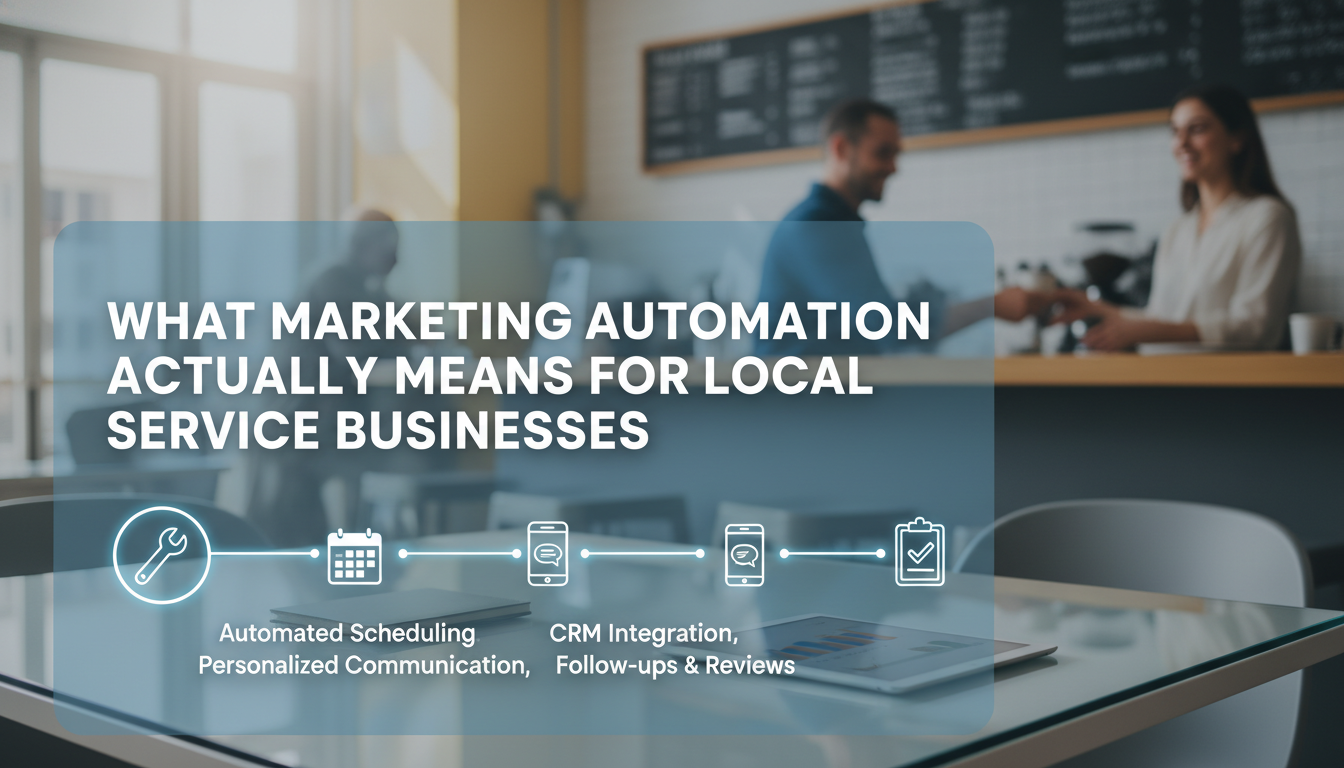
Marketing automation is software that handles repetitive marketing and communication tasks automatically. But here’s what that really means for your dental practice, MedSpa, or HVAC company: your team stops doing the same manual work over and over.
Beyond Email: The Full Scope of Local Business Automation
Most business owners think automation equals email newsletters. That’s like thinking a smartphone is just for making calls. Modern automation handles:
- Appointment confirmations and reminders via text, email, or voice
- Follow-up sequences after service completion
- Review requests sent at optimal timing
- Lead nurturing for prospects not ready to book
- Re-engagement campaigns for dormant clients
A dental practice we work with automated their appointment reminder system. Result? No-shows dropped from 18% to 6% in three months. That’s roughly 40 more productive appointment slots per month.
The Local Business Advantage
Local service businesses actually have a huge advantage with automation that most don’t realize. Your customer relationships are inherently personal and trust-based. Automation doesn’t replace that , it ensures you never miss an opportunity to strengthen those relationships.
When your HVAC customer’s system needs its annual maintenance, an automated reminder feels helpful, not pushy. When your MedSpa client gets a personalized follow-up after their facial, it shows you care about their results.
Real-World Implementation Timeline
Here’s how most successful local businesses roll out automation:
- Week 1-2: Set up appointment reminders and confirmations
- Week 3-4: Add post-service follow-up sequences
- Month 2: Implement review request workflows
- Month 3: Create lead nurturing sequences for prospects
The key is starting simple and building complexity gradually. We’ve watched too many practices try to automate everything at once and end up with broken workflows that frustrate customers.
The Hidden Costs of Manual Marketing (And Why Most Businesses Underestimate Them)
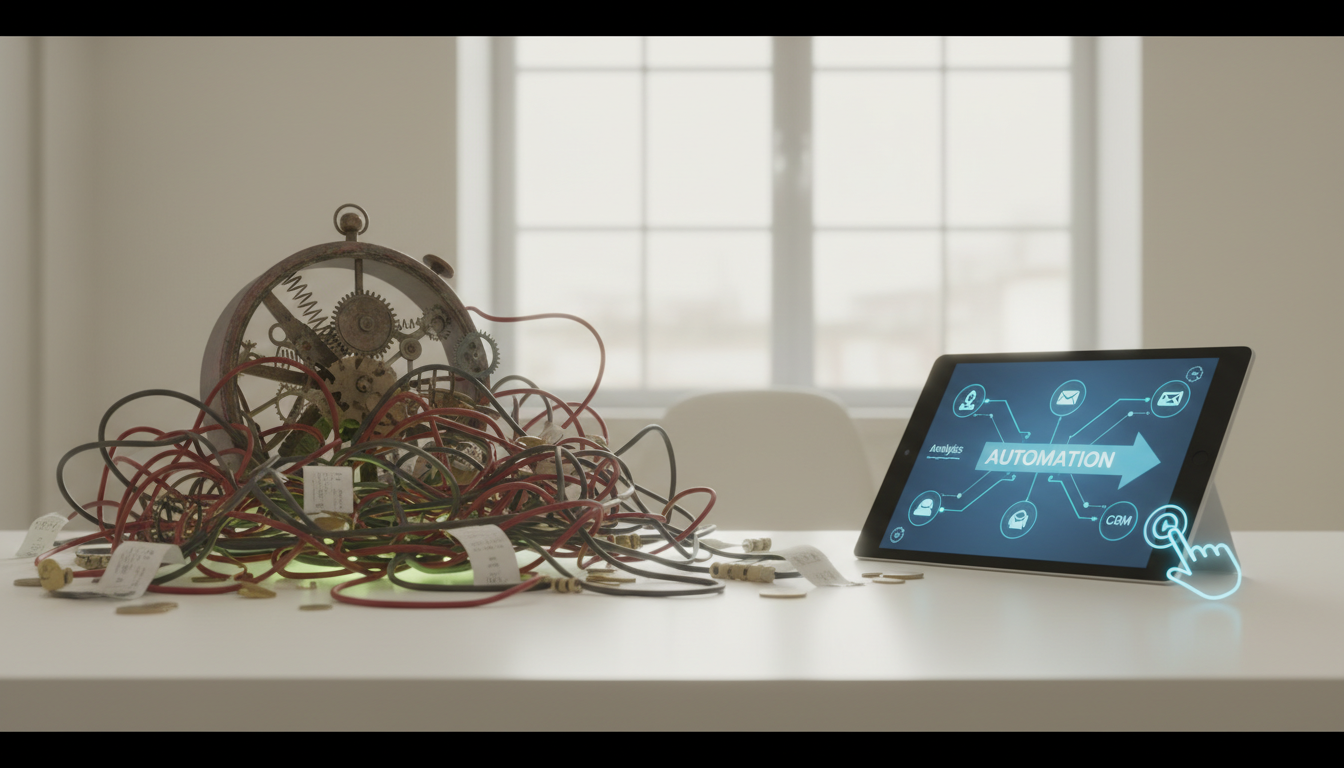
Your front desk staff makes $18 per hour. Spending 90 minutes daily on routine follow-up calls costs you $27 per day, or roughly $7,000 annually. That’s just one person, one task.
Time Drain Analysis
Let’s break down what manual marketing actually costs a typical local service business:
- Appointment reminders: 45 minutes daily ($12 in labor costs)
- Follow-up calls/emails: 60 minutes daily ($18 in labor costs)
- Review requests: 30 minutes daily ($9 in labor costs)
- Lead follow-up: 45 minutes daily ($12 in labor costs)
Total daily cost: $51. Annual cost: $13,260 in labor alone.
But the real cost isn’t just time , it’s inconsistency. Manual processes depend on someone remembering to do them. Staff gets busy, takes vacation, or simply forgets. Your follow-up becomes sporadic, and opportunities slip through cracks.
The Opportunity Cost Factor
While your team handles routine communications, they’re not doing higher-value work. Your dental hygienist could be calling patients about overdue cleanings instead of confirming tomorrow’s appointments. Your HVAC technician could be upselling maintenance plans instead of manually scheduling follow-ups.
Automation doesn’t eliminate jobs , it enhances them. Your staff focuses on relationship-building and revenue-generating activities while software handles the routine stuff.
Consistency Equals Trust
Patients and clients notice inconsistent communication. When follow-up happens sometimes but not always, it creates doubt about your professionalism. Automated workflows ensure every client gets the same high-quality experience, regardless of how busy your team is.
Essential Automation Workflows Every Local Business Needs
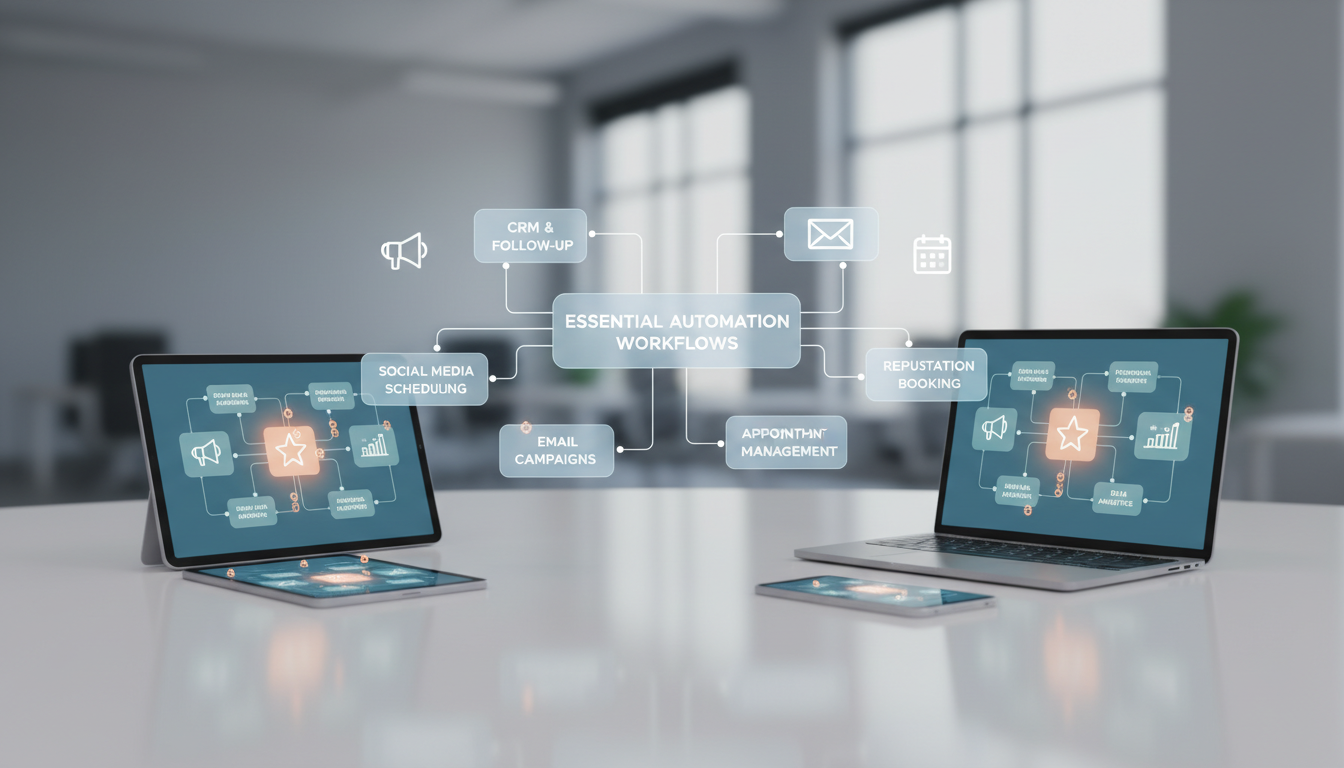
Not all automation workflows are created equal. Some deliver immediate ROI, while others are nice-to-have features that complicate your system. Here are the must-haves that actually move the needle.
Appointment Management Automation
This is where most local businesses see immediate impact. Automated appointment workflows include:
- Confirmation sequences: Sent 24-48 hours after booking
- Reminder series: 48 hours, 24 hours, and 2 hours before appointments
- Rescheduling options: One-click links to reschedule rather than call
A MedSpa client reduced their no-show rate from 22% to 8% using this three-touch reminder sequence. With average appointment values of $180, that’s roughly $2,500 in recovered revenue monthly.
Post-Service Follow-Up Sequences
The window immediately after service completion is golden for building loyalty and generating referrals. Automated post-service workflows should:
- Thank clients for their visit (sent within 2 hours)
- Provide care instructions or maintenance tips (next day)
- Request feedback and reviews (3-5 days later)
- Offer related services or maintenance plans (1-2 weeks later)
The timing matters enormously. A review request sent immediately after service feels pushy. Sent three days later, it feels natural and helpful.
Lead Nurturing for Long Sales Cycles
Not every prospect is ready to book immediately. HVAC system replacements, dental implants, and cosmetic procedures often involve weeks or months of consideration. Automated nurturing keeps you top-of-mind without manual effort.
Effective lead nurturing sequences include educational content, social proof, and soft calls-to-action. A dental practice nurturing implant leads might send:
- Day 1: Welcome and treatment overview
- Day 3: Patient success story
- Day 7: Financing options explanation
- Day 14: Before/after photos
- Day 21: Limited-time consultation offer
Industry-Specific Automation Strategies That Actually Work
Generic automation advice doesn’t work for local service businesses. A dental practice’s communication needs differ vastly from an HVAC company’s. Here’s how to tailor automation for your specific industry.
Dental Practice Automation
Dental practices have unique automation opportunities around preventive care and treatment planning:
- Recall reminders: Automated sequences for overdue cleanings, starting gentle and becoming more urgent
- Treatment plan follow-up: Nurturing sequences for patients who haven’t scheduled recommended procedures
- Insurance benefit reminders: End-of-year campaigns encouraging patients to use remaining benefits
One orthodontic practice automated their Invisalign consultation follow-up. Prospects who didn’t schedule after their initial consultation received a five-email sequence over three weeks. Result: 23% of recipients eventually scheduled, adding roughly $15,000 in monthly revenue.
MedSpa and Aesthetic Practice Automation
MedSpas benefit from automation around treatment series and seasonal promotions:
- Treatment series reminders: Automated scheduling for multi-session treatments like laser hair removal
- Seasonal campaigns: Botox before holidays, body contouring before summer
- Birthday and anniversary campaigns: Special offers tied to personal dates
The key with aesthetic practices is balancing automation with personalization. Clients invest significant money and want to feel special, not like they’re receiving mass communications.
HVAC and Home Service Automation
HVAC companies excel with maintenance-focused automation:
- Seasonal maintenance reminders: Spring AC tune-ups, fall heating system checks
- Filter replacement reminders: Based on system type and usage patterns
- Emergency service follow-up: Checking satisfaction and offering maintenance plans
A residential HVAC company automated their maintenance plan renewals. Instead of manually calling each customer, they created a three-email sequence starting 60 days before expiration. Renewal rates increased from 68% to 84%.
Choosing the Right Automation Platform for Your Local Business
The automation platform space is overwhelming. Hundreds of options exist, from simple email tools to complex enterprise systems. Here’s how to choose without getting lost in feature lists.
Essential Features vs. Nice-to-Haves
Focus on platforms that excel at core functions rather than those with endless features you’ll never use:
Must-have features:
- Email and SMS automation
- Contact segmentation and tagging
- Basic workflow builder
- Integration with your scheduling system
- Simple reporting and analytics
Nice-to-have features:
- Advanced lead scoring
- Social media automation
- Landing page builders
- A/B testing capabilities
- Advanced reporting dashboards
Most local businesses succeed with platforms that do the basics exceptionally well rather than everything mediocrely.
Integration Considerations
Your automation platform needs to play nicely with your existing systems. Key integrations include:
- Practice management software: For dental, medical, and legal practices
- Scheduling systems: To trigger appointment-based workflows
- Payment processors: To track completed transactions
- Review platforms: To automate review requests
Poor integrations create more work, not less. If your automation platform can’t pull appointment data from your scheduler, you’ll end up manually managing workflows.
Scalability and Pricing Models
Most platforms charge based on contact count or email volume. Consider your growth trajectory:
- Contact-based pricing: Good for businesses with stable client bases
- Email-based pricing: Better for high-frequency communicators
- Flat-rate pricing: Predictable costs but may be expensive for smaller lists
Start with a platform that fits your current needs but can grow with you. Switching automation platforms later is painful and time-consuming.
Implementation: Getting Started Without Overwhelming Your Team
The biggest automation failures happen when businesses try to do too much too fast. Your team already has full plates. Adding complex new systems without proper planning creates chaos, not efficiency.
The Phased Rollout Approach
Successful automation implementation follows a predictable pattern:
Phase 1 (Weeks 1-2): Foundation Setup
- Import and clean contact data
- Set up basic contact segmentation
- Create simple welcome sequences
- Test email deliverability
Phase 2 (Weeks 3-4): Core Workflows
- Build appointment reminder sequences
- Create post-service follow-up workflows
- Set up basic review request automation
- Train staff on monitoring and management
Phase 3 (Month 2): Advanced Features
- Develop lead nurturing sequences
- Create seasonal campaigns
- Implement advanced segmentation
- Add SMS automation where appropriate
Staff Training and Buy-In
Automation only works if your team embraces it. Common resistance points include fear of job displacement and concern about losing personal touch with clients.
Address these concerns directly:
- Emphasize enhancement, not replacement: Automation handles routine tasks so staff can focus on high-value interactions
- Start with pain points: Automate the tasks your team already dislikes doing manually
- Show quick wins: Demonstrate immediate benefits like reduced no-shows or faster follow-up
One dental practice had initial staff resistance to automated appointment reminders. After seeing no-show rates drop significantly, the same staff members became automation advocates and suggested additional workflows to implement.
Monitoring and Optimization
Automation isn’t “set it and forget it.” Regular monitoring ensures workflows perform as expected and identify optimization opportunities:
- Weekly reviews: Check delivery rates, open rates, and response rates
- Monthly analysis: Identify top-performing workflows and areas for improvement
- Quarterly optimization: Update messaging, timing, and segmentation based on data
Measuring Success: KPIs That Matter for Local Service Businesses
Vanity metrics like email open rates don’t pay the bills. Focus on measurements that directly impact your bottom line and operational efficiency.
Revenue-Focused Metrics
The metrics that matter most for local service businesses:
- Appointment show rate: Percentage of scheduled appointments kept
- Client retention rate: Percentage of clients who return within 12 months
- Average client lifetime value: Total revenue per client over their relationship
- Conversion rate from leads: Percentage of inquiries that become paying clients
A law firm tracking these metrics discovered their automated follow-up sequence increased consultation-to-client conversion from roughly a third to roughly a third. With average case values of $3,500, that improvement generated an additional $45,000 in quarterly revenue.
Operational Efficiency Metrics
Automation should make your business run smoother:
- Time saved per week: Hours previously spent on manual tasks
- Response time improvement: How quickly leads receive initial contact
- Staff productivity increase: Higher-value activities per team member
- Error reduction: Fewer missed follow-ups or scheduling mistakes
Track these metrics monthly to quantify automation’s operational impact. Most businesses find they save 10-15 hours weekly once core workflows are implemented.
Client Experience Metrics
Automation should improve, not degrade, client experience:
- Client satisfaction scores: Survey responses about communication quality
- Review volume and ratings: More reviews typically indicate better engagement
- Complaint volume: Fewer complaints about missed communications
- Referral rates: Happy clients refer more frequently
Monitor these metrics to ensure automation enhances rather than replaces personal touch. If satisfaction scores decline after implementing automation, adjust messaging or timing rather than abandoning the system.
Common Pitfalls and How to Avoid Them
We’ve seen the same automation mistakes repeatedly across hundreds of local service businesses. Learning from others’ errors saves time, money, and client relationships.
The Over-Automation Trap
The most common mistake is automating everything immediately. Businesses get excited about efficiency gains and create workflows for every possible scenario. Result: clients feel like they’re interacting with robots, not people.
Signs you’ve over-automated:
- Clients complain about receiving too many messages
- Your team stops having meaningful conversations with clients
- Automation workflows conflict with each other
- You spend more time managing automation than it saves
The fix: Start with 2-3 core workflows and perfect them before adding more. Quality over quantity always wins.
Poor Data Management
Automation amplifies data problems. If your contact database is messy, automation will send the wrong messages to the wrong people at the wrong times.
Common data issues include:
- Duplicate contacts receiving multiple messages
- Outdated contact information causing delivery failures
- Incorrect segmentation leading to irrelevant communications
- Missing data preventing proper workflow triggers
Invest time in data cleanup before implementing automation. It’s tedious work, but clean data is the foundation of effective automation.
Ignoring Compliance Requirements
Local service businesses often handle sensitive information subject to regulations like HIPAA (healthcare) or state privacy laws. Automated communications must comply with these requirements.
Key compliance considerations:
- Consent management: Ensuring clients opted in to automated communications
- Data security: Protecting sensitive information in automated workflows
- Unsubscribe options: Easy ways for clients to opt out
- Message content: Avoiding sensitive information in automated messages
Consult with legal counsel about compliance requirements before implementing automation, especially in regulated industries.
| Manual Process | Automated Process | Time Savings |
|---|---|---|
| Individual appointment reminders | Automated reminder sequences | 2-3 hours daily |
| Manual follow-up calls | Automated post-service emails | 1-2 hours daily |
| Personal review requests | Timed automated requests | 30-45 minutes daily |
| Lead follow-up tracking | Automated nurturing sequences | 1-2 hours daily |
| Seasonal campaign management | Automated seasonal workflows | 4-6 hours monthly |
Frequently Asked Questions
How much does marketing automation cost for a small local business?
Most local service businesses spend between $50-300 monthly on automation platforms, depending on contact list size and features needed. The ROI typically pays for itself within 30-60 days through improved efficiency and reduced no-shows.
Will automation make my business feel impersonal to clients?
Only if implemented poorly. Good automation enhances personal relationships by ensuring consistent, timely communication. Clients appreciate reliable appointment reminders and follow-up care instructions. The key is using automation for routine tasks while keeping personal interactions for complex or sensitive matters.
How long does it take to set up marketing automation?
Basic workflows like appointment reminders can be set up in 2-3 hours. A complete automation system typically takes 2-4 weeks to implement properly, including data cleanup, workflow creation, and staff training. Most businesses see benefits within the first week.
Can I use automation if I only have 200-300 clients?
Absolutely. Small client lists actually benefit more from automation because you can’t afford to lose any clients to poor communication. Even with 200 clients, automation saves 5-10 hours weekly and ensures no one falls through the cracks.
What happens if my automation sends the wrong message?
Most platforms allow you to pause workflows immediately and send correction messages. The key is testing workflows thoroughly before activation and monitoring them regularly. Start with simple workflows and add complexity gradually to minimize errors.
Do I need technical skills to manage marketing automation?
Modern automation platforms are designed for non-technical users. If you can use email and basic computer software, you can manage automation workflows. Most platforms offer drag-and-drop workflow builders and pre-built templates for common scenarios.
Marketing automation isn’t about replacing the personal touch that makes local service businesses successful. It’s about ensuring that personal touch reaches every client consistently, efficiently, and at the right time.
The businesses thriving in 2026 aren’t necessarily the ones with the most advanced technology , they’re the ones using practical automation to deliver exceptional client experiences while freeing their teams to focus on what humans do best: building relationships and solving complex problems.
Ready to see how automation can transform your practice? Book a free demo at digimeapp.com to see how AI can simplify your client communications and boost your bottom line.