A portfolio website is a personalized online showcase of your best work. In 2026, building one takes minutes using no-code tools like Canva, Adobe Portfolio, or DigiMe.
Key Takeaways
- A professional online showcase displays your projects, skills, and story, essential for creatives and freelancers seeking new opportunities.
- No-code builders like Canva, Adobe Portfolio, Wix, and DigiMe let you create a polished site in under an hour, even without design skills.
- Customizing templates, adding SEO metadata, and ensuring mobile responsiveness can increase client inquiries significantly.
- Integrating AI tools for content generation and design assistance saves time and improves visual consistency.
- DigiMe offers a unique micro-portfolio solution that combines a digital business card with instant updates, ideal for networking.
What Is a Portfolio Website?
Definition and Core Purpose
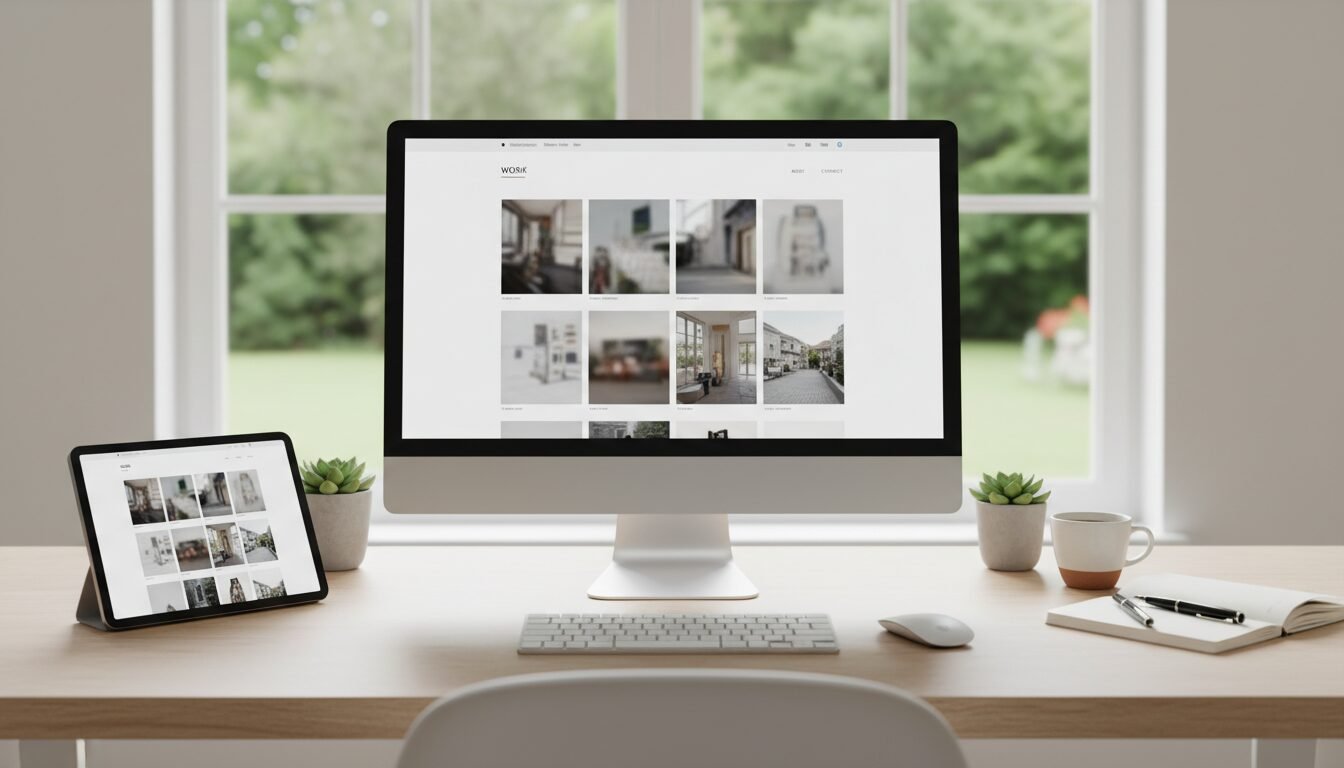
A portfolio website is a curated online collection of your professional work and accomplishments. It acts as a digital resume, allowing potential clients, employers, and collaborators to view your projects, understand your skills, and contact you directly. Unlike a social media profile, this dedicated space gives you full control over branding, narrative, and presentation. According to Awwwards, these sites are versatile platforms where professionals, agencies, and artists showcase their work effectively.
Types of Professional Showcases
These sites vary from simple one-page layouts to complex multi-page galleries. A one-page design condenses all content into a single scroll, ideal for quick overviews and mobile viewing. Multi-page versions organize work into separate sections, such as project pages, about pages, and contact forms, offering deeper storytelling. There are also micro-portfolios, lightweight, often card-sized digital profiles that update in real time, exemplified by DigiMe’s digital business card solution. Each format serves different professional goals, from freelancers wanting a fast introduction to agencies needing a full case-study showcase.
Why Every Professional Needs One
In a competitive market, your online showcase is a 24/7 salesperson. It builds credibility and allows you to stand out. Creatives, developers, photographers, and even consultants use these sites to demonstrate expertise. Industry research shows that hiring managers increasingly expect to see an online showcase when evaluating candidates. Without one, you risk being overlooked by opportunities that search online first.
Why You Need a Professional Showcase in 2026
Impress Clients and Employers with Visual Proof
Your online showcase proves your ability through real examples. Instead of telling someone you’re a great designer, you show them. In 2026, attention spans are shorter than ever; a visually striking site can communicate your talent in seconds. Platforms like Canva and Adobe Portfolio enable anyone to create high-impact visual stories without coding.
Beat the Competition with a Strong Online Presence
When a potential client searches for your name, a professional showcase should be the first result. It differentiates you from peers relying solely on LinkedIn or Instagram.
“A professional online showcase is your most powerful marketing tool. In 2026, if you’re not online with a professional display, you’re invisible to top clients.” – Alex Morgan, UX Lead at Designify
An optimized site with SEO best practices can elevate your discoverability, leading to more inbound opportunities.
The Numbers: Professional Showcases Drive Conversions
Data from various platform providers underscores the impact. Canva reports that users who publish SEO-friendly websites see a significant boost in visibility. Portfoliobox reveals that adding a custom domain and professional email increases trust signals, raising client contact rates. While exact percentages vary, the consensus is that a well-crafted showcase can double your chances of landing a job or project.
Top Website Builders Compared
Overview of Popular Platforms
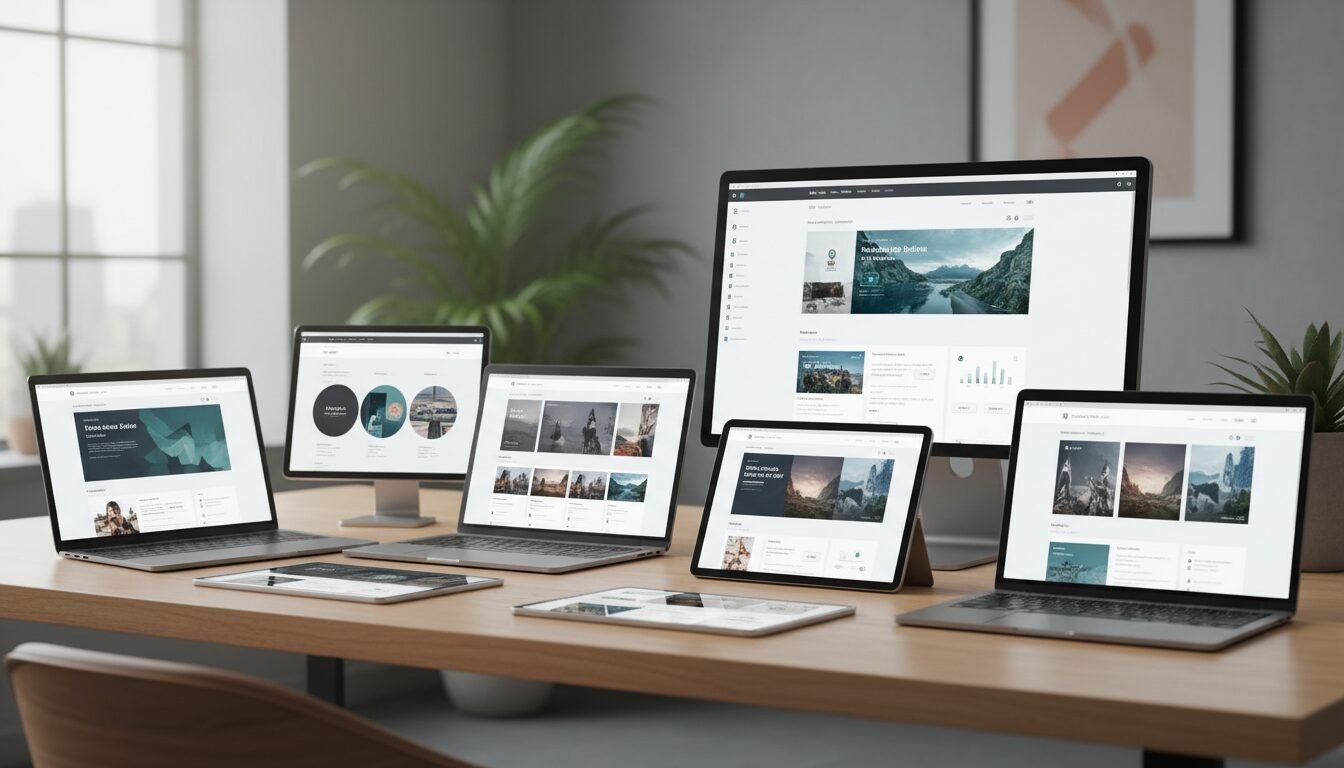
Choosing the right platform is critical. The best builders balance ease of use, design flexibility, and essential features like SEO, mobile optimization, and e-commerce. Here we compare five leading options: Canva, Adobe Portfolio, Portfoliobox, Wix, and DigiMe. Each serves a distinct user base, from absolute beginners to experienced designers.
Feature Comparison Table
| Feature | Canva | Adobe Portfolio | Portfoliobox | Wix | DigiMe |
|---|---|---|---|---|---|
| Free Plan | Yes, with Canva domain | Included with Creative Cloud | Free plan available | Free plan with Wix subdomain | Free basic plan |
| Custom Domain | Yes (Pro) | Yes | Yes (paid plans) | Yes (premium) | Yes |
| Templates | Hundreds of templates | Multiple responsive themes | Hundreds of customizable templates | 900+ templates | Smart micro-portfolio layouts |
| AI Tools | Magic Write, Translate | None | None | AI website builder | AI-powered content suggestions |
| E-commerce | No | No | Yes, 0% commission | Yes | No |
| Mobile Optimization | Auto-responsive | Natively responsive | Responsive galleries | Mobile-optimized | Optimized for all devices |
| Best For | Beginners, quick designs | Creative Cloud subscribers | Artists, photographers selling work | Full business sites | Instant digital business cards + showcase |
How to Choose the Right Builder
Consider your primary goal. If you need a fast, visually appealing site without any cost, Canva’s free builder is ideal. Adobe Portfolio shines for those already on Creative Cloud who want seamless Behance integration. Portfoliobox is tailored for creatives who sell work, with e-commerce and 0% commission. Wix is a powerhouse for building a complete business site around your showcase. DigiMe, available at digimeapp.com, is the go-to for professionals who prioritize networking and real-time updates via a digital business card that doubles as a professional showcase.
How to Create Your Site Step by Step
Step 1: Gather Your Best Work and Decide on Content
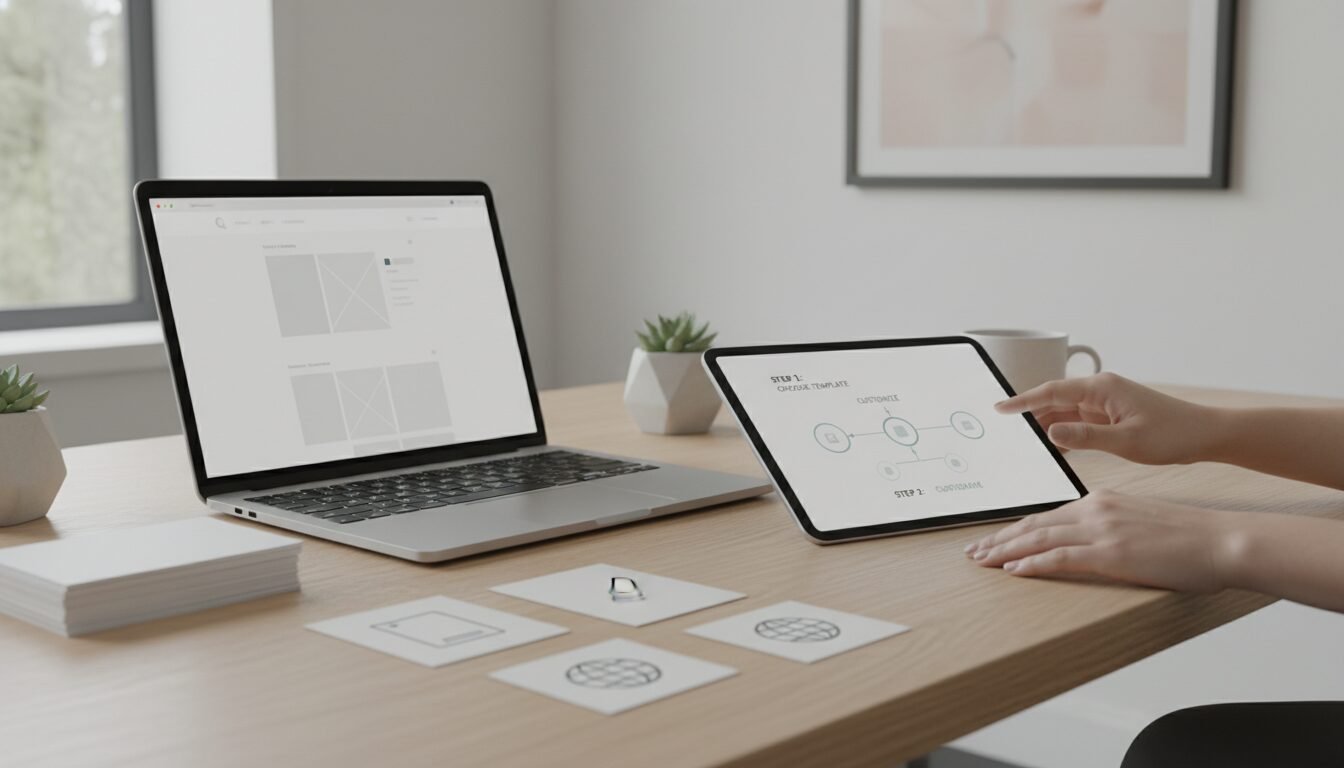
Before opening any builder, select 8–12 of your strongest projects. Write concise descriptions and collect high-resolution images or videos. Define the pages you need: at minimum, a home/hero section, work gallery, about page, and contact information. This preparation cuts design time by half and ensures your site tells a cohesive story.
Step 2: Choose a Platform and Template
Sign up for your chosen builder and browse templates filtered by industry. For example, Canva offers over 3 million free stock photos and graphics to enhance your design. Portfoliobox provides hundreds of templates with full layout control. Pick a template that matches your aesthetic, clean for minimalists, bold for creatives, and then start customizing. Always ensure the template is mobile-responsive, as over 60% of visitors come from mobile devices.
Step 3: Customize, Publish, and Promote
Replace placeholder content with your own. Use the builder’s AI tools where available: Canva’s Magic Write can generate introductory text, while Wix’s AI creates a complete draft. Add a custom domain for professionalism (Portfoliobox users report an increase in inquiries after switching from free subdomains). Before publishing, preview on desktop and mobile, optimize SEO titles and meta descriptions, and share your new site on social media, email signatures, and forums like Reddit’s webdev community.
Best Practices for Design
Keep Navigation Intuitive and Visuals High-Quality
Visitors determine your professionalism within 0.05 seconds. Use clear menu labels and a logical flow. High-resolution images are non-negotiable; platforms like Adobe Portfolio automatically optimize photos from Lightroom. Never overcrowd pages, white space draws attention to your work. Your showcase should be a visual feast, not a cluttered bulletin board.
Optimize for Mobile and Page Speed
Google’s 2026 algorithm heavily penalizes slow, non-responsive sites. All major builders now offer auto-responsiveness, but always manually test. Compress images and limit heavy animations. Adobe Portfolio, for instance, natively resizes content for any screen. A one-second delay in loading can reduce conversions significantly. Your site must load under 3 seconds everywhere.
Use Calls-to-Action and Contact Forms
Every page should guide the user to take action: “Hire Me,” “View Project,” or “Download Resume.” Contact forms must be simple, name, email, message. DigiMe’s digital business card approach integrates a direct “Connect” button, making it effortless for clients to reach you. A showcase without a clear CTA is just an album; with them, it becomes a lead-generation machine.
Optimizing Your Site for Search Engines
SEO Basics: Titles, Meta Descriptions, Alt Tags
Search engines need context. Write unique title tags for each page, include relevant keywords naturally, and craft compelling meta descriptions under 160 characters. Add descriptive alt text to every image. Canva’s SEO-friendly templates prompt you for these basics, but you must refine them. A well-optimized site can rank for your name and niche within weeks.
AI and Voice Search: Future-Proof Your Site
In 2026, voice and AI-driven search are mainstream. Structure your content with concise, definitional statements. For example, “A professional showcase is a personal platform that highlights professional work.” This helps AI answer engines like ChatGPT and Google SGE cite your site. DigiMe’s smart content features automatically format your profile data for AI discovery, giving you an edge in generative engine optimization.
Use Social Integration for More Traffic
Link your site to your social accounts and vice versa. Adobe Portfolio’s Behance integration pushes new projects to a creative network instantly. Share your site on Reddit threads (like r/webdev) and Dribbble for feedback and visibility. The more quality backlinks you earn, the higher your site will rank.
Micro-Portfolios and AI: The Next Evolution
What Are Micro-Portfolios and Why They Matter
Micro-portfolios are condensed, highly portable versions of traditional showcase sites. They fit on a digital business card or a single URL, updating in real time. In an era of QR codes and instant connectivity, micro-portfolios solve the problem of outdated PDFs or static links. Professionals can share their latest work simply by tapping a phone or displaying a QR badge.
AI-Powered Generation with DigiMe
DigiMe takes micro-portfolios further by using AI to suggest optimal content arrangements, generate professional summaries, and even recommend project order based on viewer analytics. This eliminates the guesswork of what to display first. Visit digimeapp.com to see how AI can build a showcase that evolves with your career.
Integrating Digital Business Cards for Instant Sharing
Unlike traditional sites, DigiMe’s digital business card approach means your showcase is always in your pocket. It supports QR codes, NFC sharing, and instant updates. When you finish a new project, it appears on your profile immediately without needing to log in and edit. This fusion of showcase and contact tool is rapidly becoming the standard for freelancers and remote workers.
Frequently Asked Questions
What is a portfolio website?
A portfolio website is an online collection of your professional work samples and achievements, designed to showcase your skills to potential clients or employers.
What is the best free portfolio website builder?
Canva offers a robust free plan with professional templates and AI tools. Portfoliobox also provides a free tier with essential features, and DigiMe has a free basic digital business card that acts as a micro-portfolio.
Do I need coding skills to create a portfolio website?
No. Modern builders like Canva, Wix, and Adobe Portfolio use drag-and-drop editors. DigiMe requires no design or coding at all, just fill in your details.
Can I sell my work directly from a portfolio website?
Yes, platforms like Portfoliobox include e-commerce features with 0% commission, allowing you to sell prints, digital downloads, or services directly.
How often should I update my portfolio website?
Update it continuously. As soon as you complete a new project, add it. DigiMe’s micro-portfolio updates in real time, so your showcase is always current.
Will a portfolio website help me get a job?
Absolutely. Hiring managers and clients often expect a professional online showcase. It provides concrete evidence of your abilities and sets you apart from candidates without one.