Workflow Automation Services: Streamline Ops in 2026
Workflow automation services are end-to-end solutions that design, implement, and manage automated task sequences across your business tools with minimal human intervention. They reduce manual effort, cut errors, and free your team to focus on work that actually grows revenue.
Key Takeaways
- automation services reduce manual effort and human error across industries like healthcare, finance, and IT.
- The global market is projected to grow from $23.77 billion in 2025 to $37.45 billion by 2030 (Freshworks).
- Leading providers like Toptal and OrangeMantra have delivered measurable ROI, including a 100x speed increase in data processing for a global reinsurer.
- Tools like monday.com ($9/user/month), Jotform Workflows ($19.50/month), and Wrike ($10/user/month) make automation accessible for teams of all sizes.
- Applying the 80/20 rule helps you prioritize the 20% of processes that deliver 80% of efficiency gains.
- Successful implementation follows a structured path: discover, define, develop, deploy.
What Are Workflow Automation Services?

this type of services are solutions that replace manual, repetitive task sequences with automated digital processes across your existing apps and systems. According to Atlassian, workflow automation is “the approach to automating various business processes, tasks, and workflows with minimal human intervention.” These services typically include consulting, process mapping, tool selection, custom development, integration, and ongoing support.
How Workflow Automation Services Work
A typical automated workflow runs through a defined sequence of triggers and actions. Here is how IT ticket routing works as a real example:
- Step 1: A user submits a support request via a help desk form.
- Step 2: The platform scans the ticket for keywords like “VPN” or “login.”
- Step 3: Based on predefined rules, it assigns the ticket to the right technician.
- Step 4: An acknowledgment email is sent automatically to the requester.
- Step 5: The system logs the action in workflow management software for tracking.
This eliminates manual triage, cuts response times, and improves accountability. According to Freshworks, this five-step automated routing model is one of the most common starting points for IT teams adopting automation. Providers like OrangeMantra and Toptal apply the same logic across HR, finance, and sales processes.
Key Components of Workflow Automation
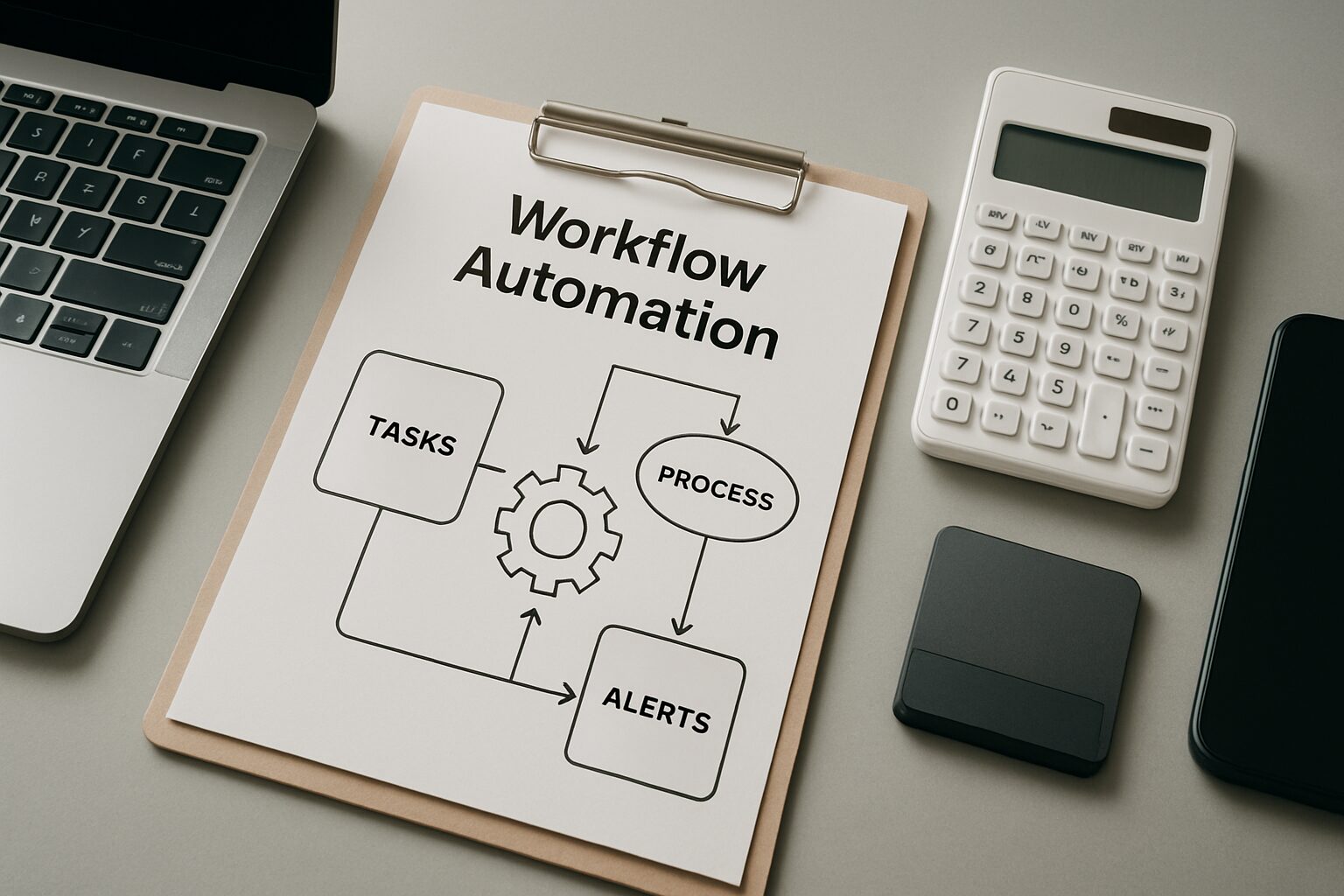
Effective this kind of services share three core building blocks that determine whether your investment pays off or collects dust.
Process Mapping and Analysis
Before any automation is built, experts map your existing workflows to identify bottlenecks, manual handoffs, and failure points. OrangeMantra’s consulting service delivers detailed process maps and a prioritized automation backlog, so the most impactful processes get tackled first. Skipping this step is the number one reason automation projects stall.
Automation Tools and Platforms
workflow automation rely on platforms like UiPath, Microsoft Power Automate, Zapier, Blue Prism, Workato, and IBM Automation Platform. These tools range from code-heavy RPA solutions to no-code integration engines, so businesses at every technical level can participate. The right tool depends on your process complexity, not your IT budget.
Integration Capabilities
Connecting your automation layer to existing software, including ERPs, CRMs, and cloud apps, is critical. Toptal emphasizes systems integration as a core service, building connectors that link disparate tools into unified, automated processes. Without solid integration, you end up with automation islands that still require manual data transfers between them.
Top Workflow Automation Services Providers

Choosing the right provider means understanding the difference between companies that build custom solutions and platforms you operate yourself.
Service Companies vs. Software Tools
There are two main categories: consultancies that build custom automation services (like OrangeMantra, Toptal, and Flow Digital) and self-service software platforms (like those compared below). Service companies bring domain expertise, strategy, and hands-on implementation. Software tools give your team direct control and faster setup for simpler use cases.
Comparison of Popular Automation Platforms
| Tool | Best For | Starting Price | Trial / Demo |
|---|---|---|---|
| monday.com | Standardizing processes | $9/user/month | Free plan |
| Screendragon | No-code AI-powered automation | Custom pricing | Free demo |
| Smartsheet | Dynamic workflows | $9/user/month | 30-day free trial |
| ClickUp | Workflow automation flexibility | $7/user/month | Free trial + free plan |
| Jotform Workflows | No-code workflow building | $19.50/month | Free plan |
| altaFlow | Salesforce document automation | $399/month | Free demo |
| Wrike | Scaling organizations | $10/user/month | Free plan |
| Qntrl | Cross-functional processes | $19/user/month | 15-day free trial |
| Celigo | Robust API management | Custom pricing | Free demo |
| Nanonets | Custom LLMs | Custom pricing | Free trial + demo |
Data sourced from real-world reviews by The Digital Project Manager. All prices are as of 2026 and may vary.
Pros and Cons of Workflow Automation Services

this type of services deliver real, measurable value, but they are not a fit-and-forget solution. Here is an honest look at both sides.
Pros
- Dramatic time savings: Automating invoice processing, for example, can reclaim hundreds of staff hours per month without adding headcount.
- Fewer errors: Rule-based automation removes the human mistakes that creep into repetitive tasks like data entry and approvals.
- Scales with your business: Enterprise platforms like Blue Prism and IBM Automation Platform handle growing process volumes without re-engineering your entire setup.
- Accessible entry points: Tools starting at $7/user/month (ClickUp) mean even small teams can start automating without a large upfront investment.
- Better employee experience: Removing low-value repetitive work lets your team focus on strategic, creative tasks, which improves retention and morale.
Cons
- Upfront implementation effort: Enterprise-wide automation projects can take several months and require careful process mapping before a single workflow goes live.
- Integration complexity: Connecting automation tools to legacy systems or custom-built software often requires specialist development work.
- Ongoing maintenance: Automated workflows need monitoring and updates as your business processes or underlying tools change.
- Risk of automating broken processes: Automating a flawed workflow just makes the mistakes happen faster. Process analysis must come first.
Benefits of Implementing Workflow Automation
The business case for this kind of services comes down to three categories: speed, cost, and people.
Operational Efficiency Gains
Automating manual tasks accelerates cycle times dramatically. In one documented case study, Toptal helped a global reinsurer achieve a 100x faster data search and delivery system. That freed resources for higher-value analysis and significantly reduced server load. Toptal has completed over 85,000 projects for more than 35,000 clients, which gives their benchmarks real weight.
Cost Reduction and Error Minimization
Removing human touchpoints eliminates errors like missed steps or outdated data. OrangeMantra reports serving over 150 brands across industries, consistently delivering error-free operations at scale. Less manual work also means handling more volume without adding headcount. That is a direct cost saver that shows up on the bottom line within months, not years.
“Workflow automation is not about replacing people. It is about removing the work that prevents people from doing their best work.” – Flow Digital, on the human impact of automation
Enhanced Employee Experience
Removing repetitive, low-value tasks lets employees focus on strategic and creative work. Flow Digital notes this leads to higher productivity, less frustration, and better day-to-day experiences. The downstream effect on retention and morale is real, and it matters especially in industries like healthcare and finance where skilled staff are hard to replace.
How to Choose the Right Workflow Automation Services
Not every provider or platform is right for every business. Here is how to evaluate your options without wasting time on the wrong fit.
Assessing Business Needs
Start by auditing processes that are repetitive, rule-based, and high-volume. Think HR onboarding, invoice approvals, or IT incident response. OrangeMantra’s consulting engagement begins with an in-depth analysis to map these opportunities before recommending any tools. This discovery phase is where most of the real value gets identified.
Evaluating Integration Capabilities
Your chosen provider must connect with your current tech stack, including your CRM, ERP, and help desk. Toptal’s workflow automation include connector development for tools like Microsoft 365, Salesforce, and custom APIs. Always verify that the service supports your specific applications before signing a contract.
Considering Scalability
As your business grows, your workflows must grow with it. Platforms like Blue Prism and IBM Automation Platform are built for enterprise scalability. Tools like Zapier excel for small-to-mid-sized automations. The key question is whether the service can add new processes without re-engineering the entire system from scratch.
Cloud vs. On-Premise Architecture
Cloud-based automation tools like Zapier, monday.com, and Workato offer faster deployment, lower upfront costs, and automatic updates. On-premise solutions like Blue Prism give larger organizations more control over data residency and security, which matters in regulated industries like healthcare and financial services. Most enterprise buyers today opt for a hybrid approach: cloud for speed, on-premise for sensitive data workflows.
Implementation Process for Workflow Automation Services
A structured implementation process is what separates automation projects that deliver ROI from ones that get abandoned after the first sprint.
Typical Phases: Discover to Deploy
Most leading providers follow a multi-stage methodology. Toptal’s four-step approach illustrates the common lifecycle:
- Discover: Understand business challenges, pain points, and goals.
- Define: Align requirements with service options and define the best solution.
- Develop: Create a project timeline, process designs, and initial proposals.
- Deploy: Build, integrate, test, and launch the automated solution.
OrangeMantra adds a final phase: training and continuous optimization to ensure long-term ROI from automation services. That post-launch support is often what separates a successful rollout from a stalled one.
The Critical Role of Testing and Monitoring
Rigorous testing against real-world scenarios is non-negotiable. Flow Digital emphasizes building safeguards that flag failures or data issues early, before they cascade into bigger problems. Post-deployment, monitoring and analytics track performance and enable iterative refinements. Expect to spend at least 2-4 weeks on testing before any mission-critical workflow goes live.
Applying the 80/20 Rule to Workflow Automation
The 80/20 rule is the most practical prioritization framework for teams just starting with automation.
What Is the 80/20 Rule for Automation?
The 80/20 rule, or Pareto Principle, applied to automation means that roughly 20% of automated processes deliver 80% of the efficiency gains. It is a prioritization framework for identifying high-impact workflows that yield disproportionate ROI, so you are not spending months automating processes that barely move the needle.
Identifying High-Impact Processes
Focus first on repetitive, time-consuming tasks like data entry, approvals, and report generation. By automating these few critical processes, organizations typically see dramatic improvements in throughput and accuracy without taking on overwhelming technical debt. A dental practice automating patient appointment reminders, for example, can reclaim 10-15 staff hours per week from a single workflow.
Prioritizing Automation Opportunities
Map all manual processes, then rank them by volume, time spent, error rate, and business impact. This data-driven approach, used by consultancies like OrangeMantra, ensures that initial this type of services investments target the most valuable areas first. Start small, prove the ROI, then expand.
Measuring ROI of Workflow Automation Services
ROI measurement is where many automation projects fall short. Track the right metrics from day one and the business case becomes self-evident.
Key Metrics to Track
Tangible returns include reduced processing time, lower labor costs, and fewer errors. Here is a simple example: if automated invoicing saves 15 minutes per invoice and your team processes 1,000 invoices monthly, that is 250 hours reclaimed every month. Multiply that by your average hourly labor cost and you have a concrete dollar figure to present to leadership. Intangible benefits like employee satisfaction and customer response times also matter and should be tracked.
Real-World Performance Indicators
In Toptal’s reinsurer case, the 100x speed gain directly translated into faster decision-making for billion-dollar risk portfolios. OrangeMantra’s 500+ client base reports quantifiable results within months of deployment. The pattern we see consistently: businesses that start with a focused, high-volume process see positive ROI within the first 90 days.
“The businesses that get the fastest ROI from automation are the ones that start with one broken process, fix it completely, and then expand. They do not try to automate everything at once.” – Industry observation from OrangeMantra’s implementation practice
Compliance and Security in Workflow Automation
Regulated industries need more than efficiency. They need automation that meets legal and security standards.
Healthcare organizations automating patient data workflows must comply with HIPAA requirements, which govern how protected health information is stored, transmitted, and accessed. Financial services firms face SOC 2 and PCI-DSS requirements that affect how automated systems handle payment and account data. GDPR applies to any automation touching EU resident data, including automated email workflows and CRM updates.
Enterprise RPA platforms like UiPath and Blue Prism include built-in audit trails, role-based access controls, and encryption standards designed to support compliance requirements. When evaluating workflow automation services providers, ask specifically about their compliance documentation and whether they have experience deploying in your regulated environment. A provider that has never worked in healthcare will cost you more in compliance remediation than they save in automation.
Future Trends in Workflow Automation Services
The market is moving fast. Here is where workflow automation services are heading over the next 2-3 years.
AI and Intelligent Automation
Traditional RPA is evolving into intelligent automation that combines machine learning, natural language processing, and analytics. IBM’s Automation Platform exemplifies this direction, blending AI decision-making into workflows that previously required human judgment. The practical result: automation that handles exceptions, not just predictable rule-based tasks.
Low-Code and No-Code Access
Platforms like Jotform Workflows and Screendragon let non-technical users build automations without writing a line of code. This trend is accelerating adoption across departments, particularly in marketing, HR, and operations teams that have historically waited months for IT to build workflows for them.
Hyperautomation
Gartner’s concept of hyperautomation involves orchestrating multiple technologies, including RPA, AI, and process mining, to automate end-to-end business processes. Top workflow automation services providers are increasingly offering these comprehensive stacks. As of 2026, hyperautomation is moving from enterprise pilot programs into mainstream mid-market adoption, driven by the falling cost of AI compute and the maturity of no-code tooling.
Frequently Asked Questions
What exactly are workflow automation services?
Workflow automation services are end-to-end solutions that design, implement, and maintain automated task sequences across applications. They include consulting, development, and support to replace manual workflows with reliable digital processes that run without constant human oversight.
What tools are commonly used for workflow automation?
Popular tools include UiPath, Microsoft Power Automate, Zapier, Blue Prism, Workato, and IBM Automation Platform. Cloud-based options like monday.com, Smartsheet, and Jotform also offer robust automation features with no-code interfaces suited to non-technical teams.
How much do workflow automation services cost?
Self-service software starts as low as $7/user/month (ClickUp) or $19.50/month (Jotform). Enterprise RPA platforms typically require custom quotes. Consultancy services are priced per project, with free discovery calls commonly available as a starting point.
What industries benefit most from workflow automation?
Healthcare, finance, manufacturing, retail, HR, and IT see the greatest impact. Automating patient referrals, loan processing, supply chain tracking, employee onboarding, and incident management delivers rapid efficiency gains across all of these sectors.
What is the 80/20 rule for automation?
The 80/20 rule suggests that 20% of automated processes generate 80% of the value. By identifying and automating a few high-volume, repetitive tasks first, businesses can realize the majority of potential savings without a large upfront investment in full-scale automation.
How long does it take to implement workflow automation?
Simple no-code automations can go live in days. Enterprise-wide initiatives typically take several months. Providers like OrangeMantra follow a structured plan to deliver a working MVP quickly, then iterate based on real performance data rather than building everything at once.