Key Takeaways
- Low code workflow automation uses visual drag-and-drop interfaces to build and automate business processes with minimal hand-coding.
- It enables citizen developers, accelerates development cycles significantly, and reduces IT backlogs across departments.
- Platforms like Zapier, Microsoft Power Automate, and Make offer pre-built connectors for over 9,000 apps and start as low as $9/month.
- It differs from RPA (which mimics human actions) and no-code (which requires zero coding) by balancing simplicity with customization.
- The average company uses 106 SaaS apps; low code workflow automation bridges these tools without complex integrations.
- Security, governance, and lifecycle management are critical considerations before rolling out citizen developer programs at scale.
Low code workflow automation is a visual development approach that lets teams design, build, and deploy business process automations with little to no traditional programming. It connects disparate systems in days, not months.
What Is Low Code Workflow Automation?

Definition and Core Concepts
workflow automation is a mix of visual development, business process management (BPM), and integration technologies that automate tasks and orchestrate end-to-end processes without extensive hand-coding. According to the BlinkOps Blog, it represents “a practical approach to building automated workflows without requiring extensive programming knowledge.” Users drag and drop pre-built components onto a canvas, define logic and integrations, and the platform generates the underlying code. This opens development to business analysts and operations teams who previously had to wait weeks for IT support.
The Rise of the Citizen Developer
With this type of automation platforms, non-IT employees, often called citizen developers, are building apps and automations directly. Organizations report that citizen developers now outnumber professional developers in many enterprises, a shift driven by the need for faster digital transformation. Instead of waiting weeks for IT, marketing, HR, and finance teams can map their own workflows, connect the tools they use daily, and deploy automations that save hours of manual work every week.
That shift creates real risk, too. Without proper governance, citizen developers can create redundant workflows, expose sensitive data, or build automations that break when an upstream app changes. We cover how to manage that in the governance section below.
How Low Code Workflow Automation Works

Visual Drag-and-Drop Interface
Every this kind of workflow automation platform starts with a visual flow designer. You draw your process by dropping triggers, actions, conditions, and loops onto a canvas, much like a flowchart. A simple example: “When a new lead is added to Salesforce, create a task in Asana and send a Slack notification.” The platform translates that visual model into executable code instantly. No SQL queries or manual API calls required.
Pre-Built Components and Connectors
Platforms ship with libraries of reusable components: pre-coded actions (send email, create record), decision rules (if/else logic), and hundreds of ready-made connectors to popular business apps. According to Unito’s 2026 market analysis, Zapier alone integrates with over 9,000 apps, while Microsoft Power Automate supports 1,000+ connectors. That means you can link your CRM, email, project management, and database systems without writing a single line of integration code.
Custom Code Extensions When Needed
the code workflow automation does not eliminate coding. It complements professional developers. Most platforms let you add custom JavaScript, Python, or SQL snippets for complex logic or unique requirements. This keeps the platform accessible to business users while staying powerful enough for enterprise-grade scenarios. Think of it as a spectrum: business users handle 80% of the build visually, and developers step in for the remaining 20% that needs custom logic.
Key Benefits of Low Code Workflow Automation
Accelerated Development and Deployment
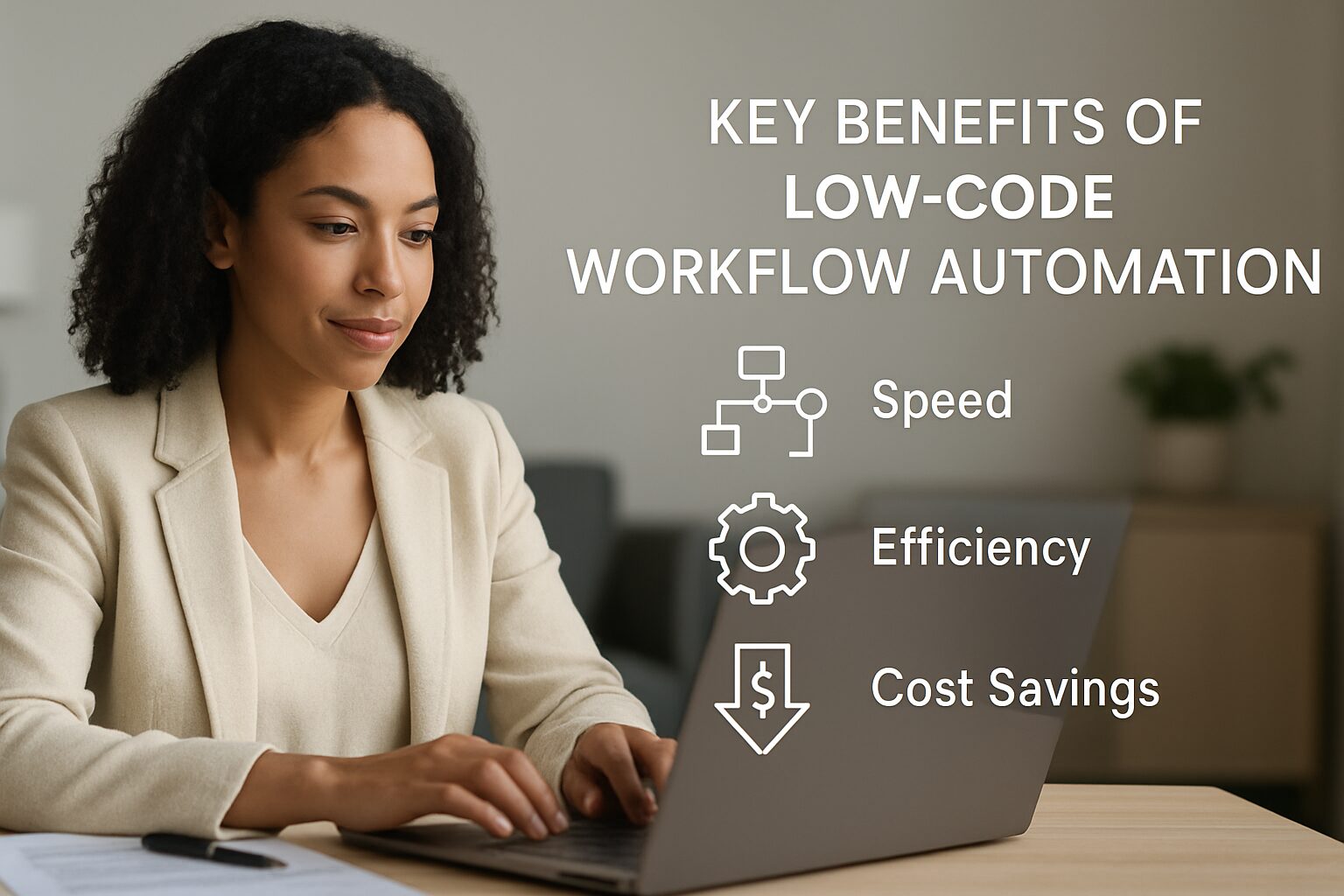
Visual tools cut development cycles dramatically. What took months of coding and testing now ships in days or weeks. Teams can iterate faster, respond to market changes, and go live with automations that immediately improve productivity. A automation project often shows ROI within the first quarter, whereas traditional custom development ROI can stretch well past a year.
Reduced Costs and IT Dependency
By enabling citizen developers, companies free up expensive developer resources for high-value work. Platforms like Make start at $9/month, while Power Automate costs $15/user/month, a fraction of the cost of custom development. According to Unito’s research, the average organization uses 106 different SaaS applications. low code connects these without expensive middleware, slashing integration costs significantly compared to building point-to-point integrations manually.
Enhanced Agility and Innovation
Business teams no longer need to wait for IT to modify a workflow. With workflow automation, they can test new processes, measure results, and pivot rapidly. An HR department can tweak its onboarding workflow weekly based on new hire feedback, something nearly impossible in a rigid, hard-coded system. That experimental culture drives continuous improvement across the organization.
Pros and Cons of Low Code Workflow Automation
Pros
- Fast time-to-value: Visual builders let teams deploy working automations in days, not months.
- Accessible to non-developers: Business users build and maintain their own workflows without IT bottlenecks.
- Low entry cost: Plans start at $9/month (Make) or $15/user/month (Power Automate), making automation affordable at any scale.
- Massive integration libraries: Zapier’s 9,000+ connectors and Power Automate’s 1,000+ mean your existing tools are almost certainly supported.
- Scalable complexity: Custom code extensions let developers handle edge cases without switching platforms.
- AI-assisted building: Copilot features in tools like Power Automate let you describe a workflow in plain English and have it built automatically.
Cons
- Governance risk: Citizen developers can create redundant, insecure, or fragile workflows without proper oversight.
- Vendor lock-in: Migrating complex automations from one platform to another is time-consuming and costly.
- Cost creep at scale: Per-task or per-user pricing can escalate quickly as automation volume grows.
- Limited for legacy systems: Platforms with API-first connectors struggle with mainframe or on-premise systems that lack modern interfaces.
- Not a full replacement for developers: Complex orchestration, custom security logic, and high-volume data processing still require professional engineering.
Low Code vs RPA vs No Code: Understanding the Differences
| Technology | What It Does | Coding Required? | Best For |
|---|---|---|---|
| Low Code | Visual development with optional custom code; automates workflows end-to-end | Minimal | Complex business processes, integrations, enterprise apps |
| RPA (Robotic Process Automation) | Mimics human clicks and keystrokes to interact with existing UI; excels at legacy systems without APIs | Moderate | Repetitive, high-volume data entry tasks |
| No Code | 100% visual, zero coding; typically uses rigid templates | None | Simple, departmental workflows (e.g., approval forms) |
Low Code in Depth
this type of automation strikes the ideal middle ground. It offers enough simplicity for business users to build automations, yet gives developers the hooks to add sophisticated logic. This makes it suitable for everything from a simple expense approval flow to a multi-department supply chain orchestration.
When to Choose RPA or No Code
RPA shines when you have legacy mainframe systems that lack modern APIs. The bots literally screen-scrape data from existing interfaces, which is why tools like UiPath and Automation Anywhere remain popular in banking and government. However, RPA requires more technical setup and ongoing maintenance when underlying UIs change. No-code tools, while extremely easy to use, often cannot handle conditional logic with many branches or large data volumes. For most mid-to-enterprise use cases, this kind of workflow automation provides the necessary power without the overhead.
Security and Compliance in Low Code Workflow Automation
Security is one of the most overlooked aspects of the code workflow automation rollouts, and it is where many organizations get burned. When business users can build and deploy automations independently, sensitive data can move between systems without IT review. Before rolling out any platform at scale, your team needs clear answers to these questions.
- Data residency: Where does the platform store data in transit? Cloud-based tools like Zapier route data through their servers. For healthcare or financial services, this may conflict with HIPAA or SOC 2 requirements.
- Role-based access controls: Can you restrict which users can connect which apps? Enterprise tiers of Power Automate and Appian include granular permission models; starter plans often do not.
- Audit trails: Regulated industries need a full log of who built what, when it ran, and what data it touched. Platforms like Appian and ServiceNow include built-in audit logging. Zapier and Make require additional configuration.
- Encryption standards: Confirm the platform encrypts data at rest and in transit. Most enterprise-grade tools meet TLS 1.2+ and AES-256 standards, but verify this for your specific plan tier.
“The biggest security risk in low-code deployments is not the platform itself. It is the lack of governance around who can connect what data to what system. A citizen developer with good intentions can accidentally expose customer PII in a workflow that routes data through an unapproved third-party app.”
Governance and Lifecycle Management for Citizen Developers
Governance is the difference between a successful automation program and a sprawling mess of broken automations nobody owns. According to HubSpot’s State of Marketing research, organizations that establish formal automation governance see significantly higher adoption rates and lower maintenance costs over time.
A practical governance framework includes four elements:
- A Center of Excellence (CoE): A small cross-functional team (IT, operations, compliance) that sets standards, reviews new automations before deployment, and maintains a catalog of approved connectors.
- Naming and documentation conventions: Every workflow should have an owner, a plain-English description, and a last-reviewed date. This prevents orphaned automations from running indefinitely.
- Change management protocols: When an upstream app updates its API or UI, someone needs to own the review and update process. Without this, automations break silently.
- Retirement policies: Automations that are no longer used should be deactivated and archived, not left running. Many organizations discover they are paying for thousands of monthly task executions on workflows nobody uses.
Top Features of Leading Low Code Platforms
AI-Powered Process Mining and Copilots
Modern platforms now embed AI to suggest automations. Process mining analyzes event logs to pinpoint bottlenecks and then recommends the optimal workflow. Copilots, like Microsoft Power Automate’s AI assistant, let you describe a workflow in plain English and have it built automatically. As of 2026, AI assistance is the primary differentiator among low code tools, with most major platforms shipping some form of natural language workflow builder.
Rich Integration Ecosystems
The value of a platform is directly tied to how many apps it connects. As shown in Unito’s market roundup, Zapier (9,000+ integrations) and Make (3,000+ integrations) lead the pack for breadth. n8n offers 400+ nodes and is open-source, making it ideal for self-hosted installations where data sovereignty matters. workflow automation becomes truly powerful when it can bridge your entire tech stack, from your CRM and ERP to niche vertical tools.
Mobile and Offline Capabilities
Leading platforms automatically generate mobile-friendly versions of every app or dashboard. Advanced solutions like Appian offer offline mobile support, allowing field workers to capture data and trigger workflows without internet access, syncing everything once connectivity is restored. For industries like HVAC, construction, and field services, this capability is not optional. It is essential.
“this type of automation democratizes development capabilities, enabling business users and technical teams alike to contribute to automation initiatives. The platforms that win will be those that combine visual simplicity with enterprise-grade security and AI-assisted building.”
Real-World Use Cases for Business Process Automation
Customer Lifecycle Management
From lead capture to onboarding and renewal, this kind of workflow automation platforms orchestrate the entire customer journey. A sales team can build a workflow that scores leads, triggers personalized email sequences, assigns follow-ups, and updates the CRM, all without IT involvement. In financial services, organizations have used low-code solutions to automatically gather documents and perform KYC checks across multiple systems, cutting client onboarding time from weeks to days.
Human Resources and Employee Onboarding
HR departments use the code workflow automation to replace paper forms and email chains with automated sequences. A new hire’s start date triggers account creation in Active Directory, equipment ordering via an internal procurement app, and a welcome email with all required documents. The entire process runs in minutes, eliminating the 3-5 day lag common in manual setups.
Finance and Accounting Approvals
Expense reports, purchase orders, and invoice approvals flow through pre-defined rules. A automation platform can route expenses over $500 to the department manager, flag duplicates with AI, and post approved amounts to the ERP. This reduces processing time from days to hours and cuts error rates significantly compared to manual email-based approval chains.
Healthcare and Regulated Industries
Healthcare organizations use low code for patient intake, appointment reminders, and care coordination workflows. The key requirement here is HIPAA compliance: the platform must support Business Associate Agreements (BAAs), role-based access, and full audit trails. Platforms like Appian and Microsoft Power Automate have established compliance frameworks for healthcare use cases. Simpler tools like Zapier require careful configuration and may not be appropriate for workflows that handle protected health information.
How to Choose the Right Low Code Platform
Follow this step-by-step process to evaluate workflow automation tools before committing to a platform:
- Step 1: Map your pain points. Identify your most painful manual processes and list all systems they touch. Start with the workflows that cost the most time or create the most errors.
- Step 2: Define your users. Are they technical, business-savvy, or both? This determines the no-code/low-code balance you need and which platforms fit your team’s skill level.
- Step 3: Audit your SaaS stack. A platform with native connectors to your existing apps reduces integration cost and time. The average company uses 106 SaaS apps, so connector breadth matters.
- Step 4: Compare total cost of ownership. Check starting prices: Zapier at $29.99/month, Make at $9/month, Power Automate at $15/user/month, and n8n cloud plans from €20/month. Then factor in per-task fees and scale-up costs.
- Step 5: Pilot before you commit. Run a single, high-impact workflow on your shortlisted platform. Measure time saved and user adoption before rolling out organization-wide.
Assessing Business Needs and Scale
For a small marketing team, Zapier or Make may be all you need. An enterprise with complex regulatory requirements and multiple departments needs a platform like Appian or ServiceNow that includes governance, audit trails, and advanced process orchestration. this type of automation is not one-size-fits-all. Choose a tool that can grow with your automation maturity, not just one that solves today’s problem.
Evaluating Total Cost of Ownership
Beyond the monthly subscription, factor in training time, the cost of additional connectors or task executions, and the overhead of managing citizen developers. n8n’s self-hosted version is free but requires server maintenance. Power Automate requires Microsoft 365 licensing for full functionality. Kissflow and similar enterprise platforms typically start above $2,500/month for full-featured plans. A proper TCO analysis prevents surprise costs later.
Integration and Ecosystem Support
Look at the number of native integrations and the health of the partner marketplace. With the average company running 106 SaaS apps, a platform with 9,000+ connectors like Zapier covers nearly any tool your teams use. Also check whether it supports custom API calls and webhooks for in-house or niche software. That flexibility is what separates a platform you can grow with from one you will outgrow in 18 months.
The Future of Low Code Workflow Automation
As businesses manage an ever-growing SaaS estate and demand faster delivery, this kind of workflow automation is becoming a standard layer in every organization’s tech stack. The convergence of AI copilots, process mining, and hyper-automation means that describing a workflow in plain English will increasingly be enough to generate a fully functional automation. Yet the human-in-the-loop remains critical for governance, exception handling, and strategic decision-making.
The platforms that combine visual development, powerful AI, and deep integrations will define the next decade of enterprise automation. For local service businesses, from dental practices to HVAC companies, this is not a distant enterprise trend. It is available today, starting at $9/month, and it is already saving teams 10-15 hours per week on tasks that used to require manual effort. If you want to see how the code workflow automation applies to your specific business, book a free demo at digimeapp.com and we will walk you through a workflow built around your actual processes.
Frequently Asked Questions
What is low code workflow automation?
Low code workflow automation is a technology that lets you automate business processes by visually designing workflows with drag-and-drop components, requiring minimal hand-coding. The platform handles the underlying code, so business users can build and deploy automations quickly without waiting for IT.
How does low code differ from no code?
Low code platforms still allow custom code for complex logic, while no-code tools are entirely visual and do not permit coding. Low code workflow automation is better for enterprise-grade automations that need flexibility; no-code suits simple, standardized workflows with limited branching logic.
What is the 80/20 rule for automation?
The 80/20 rule suggests that the majority of your automation ROI comes from standard, repeatable processes, while a smaller portion requires custom solutions. Low code workflow automation helps you quickly capture that high-ROI majority with pre-built templates and then customize edge cases with code extensions.
Will AI replace low code?
AI enhances low code workflow automation by suggesting workflows, building automations from natural language, and optimizing processes, but it does not replace the need for a governed, visual development environment. As of 2026, AI is becoming a feature inside low code platforms, not a replacement for them.
What is the most popular low code platform?
According to market usage data, Microsoft Power Automate, Zapier, and Make are among the most widely used platforms due to their broad integration ecosystems and accessible pricing. For enterprise process management, Appian and ServiceNow are widely deployed in regulated industries.
How much does a low code automation platform cost?
Pricing varies widely: self-hosted n8n is free, Make starts at $9/month, n8n cloud plans start from €20/month, Zapier at $29.99/month, and Power Automate at $15/user/month. Enterprise platforms like Appian, ServiceNow, and Kissflow require custom quotes and typically start above $2,500/month for full-featured deployments.