Key Takeaways
- Workflow automation AI combines large language models, machine learning, and integrations to handle unstructured data and make intelligent decisions.
- According to IBM, 82% of operations executives expect AI agents to make process automation more effective by 2027.
- Only 5% of enterprise AI pilots reach production. Choosing the right low-code platform closes that gap significantly.
- Tools like Gumloop, Zapier, and n8n offer visual builders that let non-technical users build sophisticated automations without writing code.
- A human-in-the-loop approach ensures accuracy, governance, and trust in mission-critical workflows.
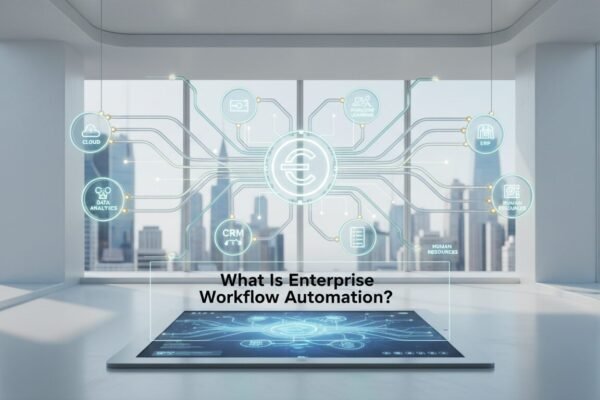
Workflow automation AI is the practice of embedding artificial intelligence into business processes to handle unstructured data and make intelligent decisions without manual intervention. It combines large language models, machine learning, and app integrations to streamline tasks that previously required human judgment.
What Is Workflow Automation AI?

automation ai is the practice of embedding artificial intelligence into automated business processes to enable cognitive capabilities like understanding, reasoning, and content generation. An AI automation workflow tool connects everyday applications with large language models (LLMs) to process, analyze, and act on data rather than just moving it from one app to another.
Traditional automation relies on predefined “if-this-then-that” rules. this type of ai elevates that by letting AI classify incoming support tickets by sentiment, generate personalized sales emails from CRM data, or auto-tag thousands of documents based on their meaning. According to Atlassian’s State of Teams Report 2026, 46% of product teams cite lack of integration with existing tools as the biggest blocker to shipping AI features faster. That’s exactly the gap this technology addresses.
How AI Enhances Traditional Automation
Classic automation excels at structured, repetitive tasks. Adding AI gives workflows the ability to handle edge cases, understand context, and produce creative outputs. An AI-powered workflow can read an email, extract key action items, and create calendar events without human help. A rule-based system simply cannot do that, because emails vary wildly in format and tone.
Examples of AI-Driven Workflows
Real-world use cases span every department:
- Marketing: A workflow that monitors social mentions, uses AI to analyze sentiment, and routes negative feedback to the support team.
- Sales: Automated lead enrichment and prioritization, where AI scores prospects based on website activity and CRM history.
- IT Operations: An AI agent that reviews server logs, detects anomalies, and auto-files Jira tickets with suggested remediations.
- HR: AI screening of resumes and scheduling of interviews, while maintaining compliance with hiring policies.
How Workflow Automation AI Transforms Business Operations

The shift to AI-powered workflows is not just about efficiency. It’s about reimagining how work gets done at a fundamental level. A recent IBM survey found that 82% of cross-industry operations executives expect process automation to become more effective because of AI agents by 2027. McKinsey research reinforces this: AI high-performers tend to redesign entire workflows rather than just automate individual tasks, and that’s where the real value appears.
“AI high-performers redesign entire workflows, not just individual tasks. That’s the difference between incremental improvement and genuine competitive advantage.” – McKinsey & Company, The State of AI in Business
From Manual to Autonomous Processes
Consider invoice processing. A traditional workflow might extract fields using OCR and route exceptions to a clerk. With AI, the system understands invoice line items, matches them against purchase orders, and flags potential fraud by analyzing supplier behavior patterns. Industry pilots have documented meaningful reductions in manual effort, though results vary based on process complexity and data quality.
Closing the Production Gap
Despite the hype, only 5% of enterprise AI proofs-of-concept make it to production, according to MIT NANDA’s State of AI in Business 2025. The primary bottleneck is moving from prototype to a maintainable, observable system. Low-code AI workflow platforms provide the governance, versioning, and monitoring required to bridge this gap, letting teams deploy AI-powered automations with real confidence.
Core Technologies Powering AI Workflow Automation
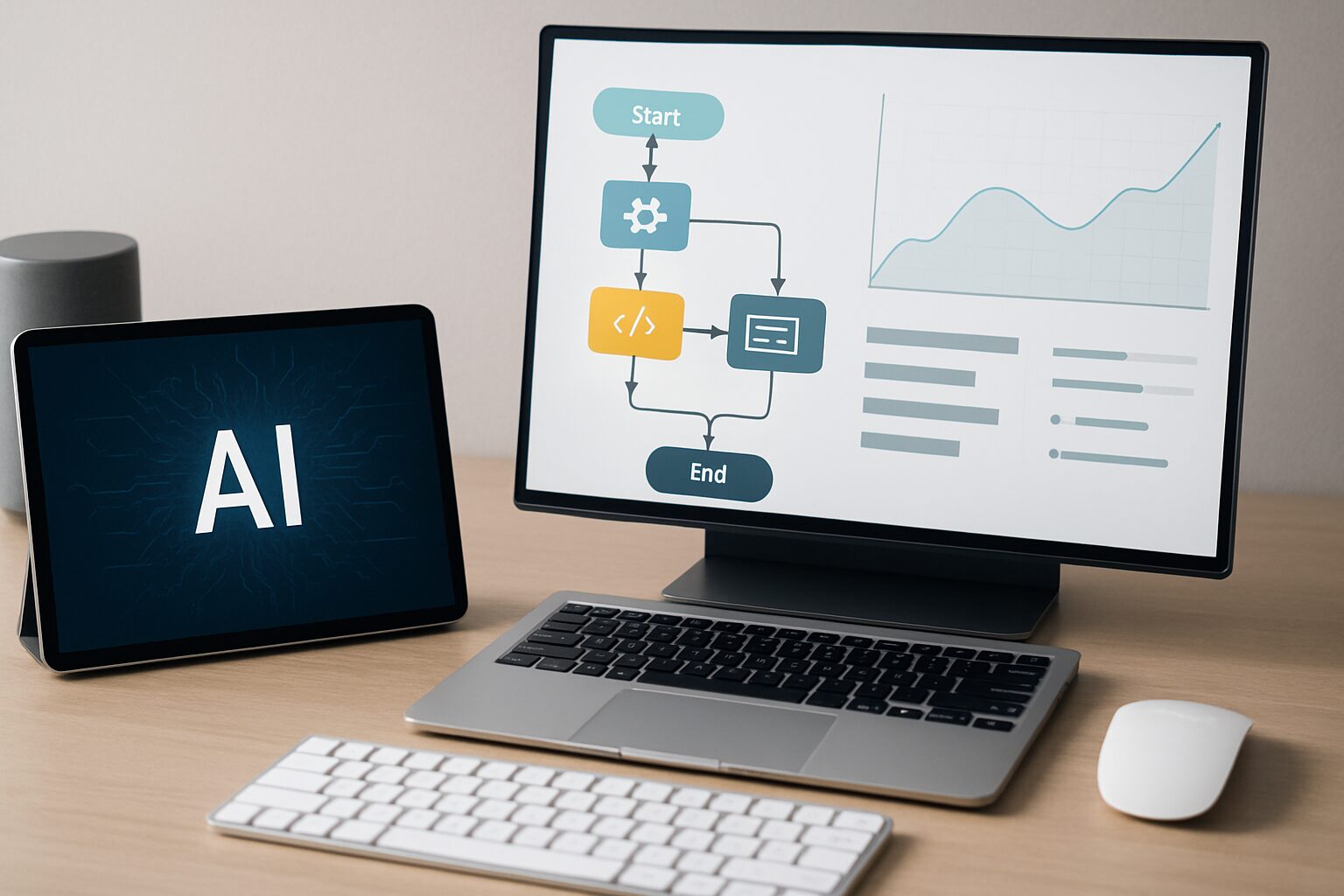
A robust this kind of ai stack integrates several key technologies that work together to handle complex, real-world business logic.
AI Agents and Agentic AI
AI agents are autonomous software systems that perceive their environment, plan actions, and execute multi-step tasks. Unlike simple chatbots, they can call APIs, query databases, and loop in humans when needed. In a workflow, a supervisor agent might orchestrate sub-agents for research, drafting, and approval, completing a full report without manual hand-offs.
APIs and Integration Layers
APIs are the connective tissue that lets AI workflows talk to CRM, ERP, email, and collaboration tools. Platforms like Zapier and Make offer thousands of pre-built connectors, while developer-focused tools like n8n let you add custom code for unique integrations. Zapier alone supports over 7,000 app integrations, which matters enormously when you’re trying to connect a legacy system to a modern LLM.
Generative AI and Large Language Models
Generative AI models like GPT-4o and Claude 3.5 supply the “intelligence” in workflow automation. They can generate content, summarize documents, translate languages, and write code snippets on the fly. When grounded with data from your own apps, hallucinations drop significantly because the model works with real, contextual information rather than general training data.
Machine Learning and Natural Language Processing
ML models classify data, predict outcomes, and detect anomalies. NLP enables understanding of text, extracting entities, and routing based on intent. Together, they allow workflows to handle unstructured inputs like emails, social media posts, and voice transcripts that would otherwise require a human to read and sort.
Top Benefits of Implementing Workflow Automation AI

Organizations that adopt workflow automation AI report measurable improvements across speed, accuracy, and employee satisfaction. Here’s what the evidence shows.
Quantifiable Efficiency Gains
- Faster processing: AI-powered ticket triage reduces response time by 40-60% by auto-categorizing and assigning issues before a human ever touches them.
- Cost reduction: Automating routine data entry and reconciliation can lower operational costs by 15-25%, based on industry benchmarks from ServiceTitan and similar platforms.
- Error reduction: AI validation of data at entry points substantially slashes manual errors, improving downstream reporting quality across the board.
Better Resource Allocation
By offloading repetitive cognitive tasks, team members focus on high-value work like building relationships and strategic planning. This boosts morale and directly impacts revenue growth. One marketing team we’ve seen saved roughly 20 hours per week by automating content repurposing from webinar transcripts, freeing up two people for strategy work.
Scalability Without Headcount Surge
AI workflows scale elastically. Analyzing 10,000 customer reviews is as easy as processing 100, with no linear increase in labor costs. This matters enormously during seasonal peaks in retail, tax season in accounting, or product launches where volume spikes overnight.
Open-Source vs. Closed-Source Workflow Automation AI
One of the most practical decisions you’ll face is whether to build on an open-source platform or a managed, closed-source service. Both approaches have real trade-offs.
Open-Source Platforms
Tools like n8n give you full control over your data, your infrastructure, and your costs. You can self-host for free, customize every node, and avoid vendor lock-in. The trade-off is that your team carries the maintenance burden. You’ll need someone comfortable with Docker, server management, and occasional debugging when upstream APIs change. For engineering-forward teams, this is often the right call.
Closed-Source and Managed Platforms
Zapier, Make, and Gumloop handle infrastructure, uptime, and updates for you. Paid plans start as low as $9/month (Make) or $19.99/month (Zapier), making them accessible for small teams. You trade some control for significant convenience. For non-technical operators who need to move fast, managed platforms typically win.
“The best automation platform is the one your team will actually use and maintain. A self-hosted n8n instance that nobody updates is worse than a $19/month Zapier plan that runs reliably.” – Common wisdom among automation practitioners
Compliance Considerations
Regulated industries need to go deeper than basic security. Beyond SOC 2 certification, look for platforms that support HIPAA compliance for healthcare workflows and FedRAMP authorization for government or public sector use cases. n8n’s self-hosted option and certain enterprise plans of Make and Gumloop support on-premise deployment, which is often a hard requirement for healthcare and financial services teams. Always verify current compliance certifications directly with the vendor before committing.
How to Choose the Right AI Workflow Automation Platform
With dozens of tools on the market, evaluating workflow automation AI platforms requires a structured approach. The table below compares leading options based on publicly available features and pricing.
| Platform | Best For | Key AI Features | Pricing (Starts At) | Deployment |
|---|---|---|---|---|
| Gumloop | Enterprise teams & solo creators | Visual canvas, no-code AI assistant, hosted LLMs, MCP server | Free / $37/month | Cloud |
| Zapier | Non-technical teams needing fast SaaS automations | AI-powered Zaps, 7,000+ integrations, NLP steps | Free / $19.99/month | Cloud |
| n8n | Engineering-forward teams seeking open-source control | Self-hosted, code nodes (JS/Python), AI agent nodes | Free (self-hosted) / €20/month (cloud) | Self-hosted / Cloud |
| Make | Ops teams with complex, multi-branch workflows | Visual builder, AI modules, deterministic routing | Free / $9/month | Cloud |
| Vellum | AI-native startups & developers | Prompt engineering, evals, versioning, AI chains | Free / usage-based | Cloud |
| Pipedream | Developers wanting deep integration with code | Code-first, serverless functions, AI triggers | Free / $99/month | Cloud |
Evaluation Criteria That Matter
When comparing options, score each against these dimensions, which industry analysts consistently flag as the most important:
- Ease of use: Can a non-technical stakeholder build and publish their first automation in under 30 minutes?
- AI-native blocks: Are retrieval, semantic routing, human-in-the-loop, and tool use available as drag-and-drop components?
- Evaluations and versioning: Does the platform let you test prompt changes side-by-side and promote safely?
- Observability: Are there node-level traces, cost dashboards, and detailed audit logs per run?
- Governance and security: Does it offer RBAC, secrets management, SOC 2, and VPC or on-prem deployment?
Pros and Cons of Workflow Automation AI
Workflow automation AI delivers real value, but it’s not a fit for every situation or every team. Here’s an honest look at both sides.
Pros
- Handles unstructured data: Unlike rule-based systems, AI can read emails, parse documents, and interpret voice transcripts without predefined templates.
- Scales without added headcount: Processing 10,000 records costs roughly the same as processing 100, making it ideal for high-volume operations.
- Reduces errors on repetitive tasks: AI validation at data entry points consistently outperforms manual review for accuracy on high-volume, low-complexity tasks.
- Frees teams for strategic work: Automating cognitive busywork gives your best people back 15-20 hours per week, based on typical client experience.
- Low barrier to entry: Platforms like Make start at $9/month, and most offer free tiers to test before committing budget.
Cons
- Hallucination risk: LLMs can generate plausible but incorrect outputs. Without human review steps, errors can reach customers before anyone catches them.
- Integration complexity with legacy systems: Older software often lacks modern APIs, requiring additional bridging tools or custom code that adds time and cost.
- Governance overhead: Regulated industries (healthcare, finance, legal) need HIPAA, FedRAMP, or SOC 2 compliance, which narrows platform choices and raises costs.
- Only 5% of pilots reach production: Without a clear implementation roadmap and the right platform, most AI automation projects stall at the prototype stage.
- Ongoing maintenance: AI workflows need monitoring, prompt updates, and occasional retraining as business processes and data patterns evolve.
Step-by-Step Guide to Implementing AI Workflow Automation
Moving from concept to production with workflow automation AI breaks down into six manageable steps. Follow this sequence and you’ll avoid the most common failure points.
- Identify the right process. Start with a repetitive, high-volume task that currently involves multiple hand-offs, such as email triage, lead enrichment, or invoice processing. Avoid mission-critical processes until your team builds confidence with the tooling.
- Map the current workflow. Document every step, decision point, and data source. This reveals where AI adds the most value and which integrations are essential before you write a single automation node.
- Select a platform. Use the comparison table and evaluation criteria above to shortlist tools that match your team’s technical depth and security requirements. Most vendors offer free trials. Test with real data, not synthetic examples.
- Build a prototype with simple rules. Implement the deterministic part first (for example, “If email contains ‘invoice’, move to finance folder”). Validate data flows before introducing AI into the mix.
- Add AI for decision-making. Integrate an LLM step to classify, summarize, or generate text. Always start with a human-in-the-loop review step to catch errors before they affect customers or downstream systems.
- Monitor, refine, and scale. Use the platform’s observability tools to track cost, latency, and accuracy. Gradually expand to more departments once the workflow stabilizes and your team trusts the outputs.
How to Build a Business Case for AI Workflow Automation
Securing budget for workflow automation AI requires a clear ROI narrative, not just tech enthusiasm. Here’s how to structure your proposal so finance and leadership actually say yes.
Quantify Time Saved
Calculate the hours per week spent on the target task across all employees. Multiply by loaded hourly cost. If AI cuts that time by 60%, the annual savings are straightforward to demonstrate. One marketing team saved roughly 20 hours per week by automating content repurposing from webinar transcripts, freeing up two team members for strategy work. That’s a concrete number you can put in a slide.
Address the Production Gap Directly
Point to the MIT NANDA finding: only 5% of AI pilots go live. Investing in a mature platform with built-in governance and evaluation tools reduces that risk and dramatically increases the odds of reaching production. Framing this proactively protects the sunk cost of the pilot and builds executive confidence.
Reference Competitive Benchmarks
The IBM data showing 82% of operations executives expect AI agents to transform efficiency is a powerful anchor. Make clear that competitors are already adopting these tools, and delaying risks losing ground in both customer experience and operational margin. Decision-makers respond to competitive pressure more than abstract efficiency arguments.
Start Small, Prove Value
Propose a 30-day pilot on a non-critical workflow using a tool’s free tier. Define success metrics upfront, such as throughput increase or error reduction, and present results before requesting a full rollout budget. This approach lowers the perceived risk and builds internal credibility for the next phase.
Common Challenges in Workflow Automation AI and How to Overcome Them
Even the most promising workflow automation AI deployments run into obstacles. Knowing what’s coming lets you prepare rather than react.
LLM Hallucination
When AI invents facts, trust erodes fast. The fix: always ground the model with data from your own systems using retrieval-augmented generation (RAG). Implement a human review step for high-stakes outputs, and use platform evaluation tools to compare prompt variations before going live. This single practice prevents the majority of production incidents we see.
Integration Complexity
Legacy systems often lack modern APIs. Choose a platform with a broad integration marketplace. Zapier supports over 7,000 apps; Make covers 2,000+. For tools that need custom connections, n8n and Pipedream both support custom code nodes. For on-premise applications, RPA bots can serve as a practical bridge while you modernize the underlying system.
Governance and Security
Regulated industries need to know exactly where data travels. Prioritize tools that offer SOC 2 certification, audit logs, role-based access control, and deployment within your own VPC. For healthcare workflows, verify HIPAA compliance. For government use cases, check for FedRAMP authorization. n8n and select enterprise plans of Make support on-premise hosting when cloud deployment isn’t an option.
Scalability Surprises
A workflow that handles 100 daily runs smoothly may fail at 100,000. Stress-test early with synthetic loads. Monitor API rate limits and per-run costs carefully. Some platforms charge per interaction, which can escalate quickly on high-volume feeds like public social media monitoring.
Future Trends in Workflow Automation AI (2026 and Beyond)
The field of workflow automation AI is evolving fast. Three trends will shape the next few years for anyone building or buying these systems.
Built-In Evaluations Become Standard
In early 2025, few platforms offered native evaluation tooling. By 2026, buyers ask “How do I test prompt changes before promoting?” in the first demo. Tools without robust evaluation features are losing deals. Expect A/B testing of prompts, golden-set regression checks, and auto-suggested improvements to become table stakes rather than premium add-ons.
Rise of Managed Automation Services
Not every team has the capacity to build and maintain automations in-house. “Done-for-you” models, where a vendor’s team configures and runs the workflows on your behalf, are gaining real traction. This trend will accelerate as the AI talent gap persists. For local service businesses especially, managed automation services offer the benefits without the technical overhead.
Multi-Agent Architectures Go Mainstream
Instead of single LLM calls, complex processes will be orchestrated by supervisor agents managing specialist sub-agents. A press release generator might use a research agent, a writing agent, and a compliance agent, all collaborating within a single workflow. Platforms like Gumloop and n8n already support this pattern, and it will become the default architecture for enterprise-grade automations.
Convergence of Low-Code and AI Ops
The line between workflow builders and MLOps platforms is blurring. Expect tools to offer integrated monitoring of model performance, cost attribution per workflow node, and drift detection, all within the same visual canvas. As of 2026, Vellum is already moving in this direction with its prompt versioning and evaluation suite.
Frequently Asked Questions
What exactly is workflow automation AI?
Workflow automation AI combines artificial intelligence with automated business processes. It uses LLMs and machine learning to handle unstructured data, make decisions, and generate content, going well beyond simple rule-based triggers. Think of it as automation that can read, reason, and respond rather than just route.
How is workflow automation AI different from traditional automation?
Traditional automation follows predefined rules and can only handle structured data in predictable formats. AI-powered automation understands context, classifies ambiguous inputs, and adapts to new scenarios without reprogramming. The practical difference is that AI handles the messy, variable inputs that break rule-based systems.
Which teams benefit most from workflow automation AI?
Marketing, sales, customer support, and IT operations see immediate gains. Any team dealing with high volumes of unstructured data, including emails, chat transcripts, and documents, can significantly reduce manual work. For local service businesses like dental practices and MedSpas, front-desk workflows and patient follow-up sequences are particularly strong starting points.
Do I need to know how to code to use these tools?
No. Most platforms provide visual, drag-and-drop builders where non-technical users can create complex automations by describing logic in plain language. Developers can extend functionality with code when needed, but coding is optional for the majority of common use cases.
How do I prevent AI from making mistakes in critical workflows?
Implement a human-in-the-loop review step for sensitive outputs. Use the platform’s evaluation tools to test prompts on historical data before deployment. Ground the AI with real data from your own systems using retrieval-augmented generation to reduce hallucinations at the source.
What does a typical deployment cost?
Costs range from free (self-hosted n8n, limited Zapier plans) to $37/month for Gumloop’s paid tier for individual users. Make’s paid plans start at $9/month, making it one of the most accessible options for small teams. Enterprise licensing varies based on volume, users, and support level. Most vendors offer free trials so you can estimate real usage costs before committing.
Ready to see how workflow automation AI can work for your specific business? Book a free demo at digimeapp.com to see how AI can transform your practice, whether you’re running a dental office, MedSpa, or any other local service business.